Create your free WhatsApp link, share it accross your channels, and start 1:1 conversations that drive real results for your business.
Simply follow the steps below.
What is a WhatsApp Link?
A WhatsApp is your unique WhatsApp URL link that lets people message you directly without saving your number. From there, you can engage them in a 1:1 conversation, answer queries & convert them into customers.
Steps to Create a Free WhatsApp Link
To create your Free WhatsApp Link follow the instructions below
Go to the 'WhatsApp Link Generator Tool' on Messegy
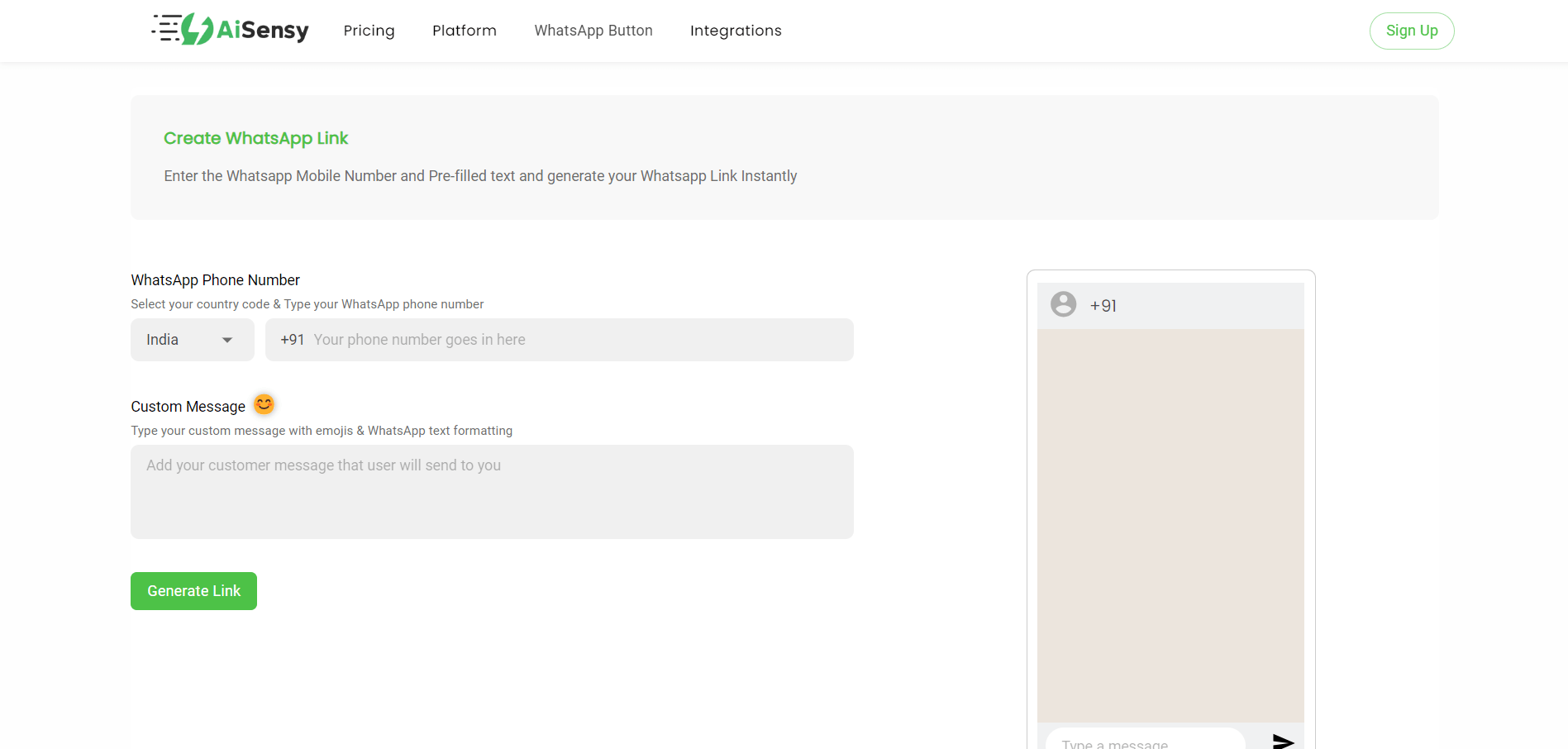
Select your country and fill in the phone number on which you wish to receive messages.
WhatsApp Link Generator Tool
Add your WhatsApp number
Select your country and fill in the phone number on which you wish to receive messages.

Create a custom message (Optional)
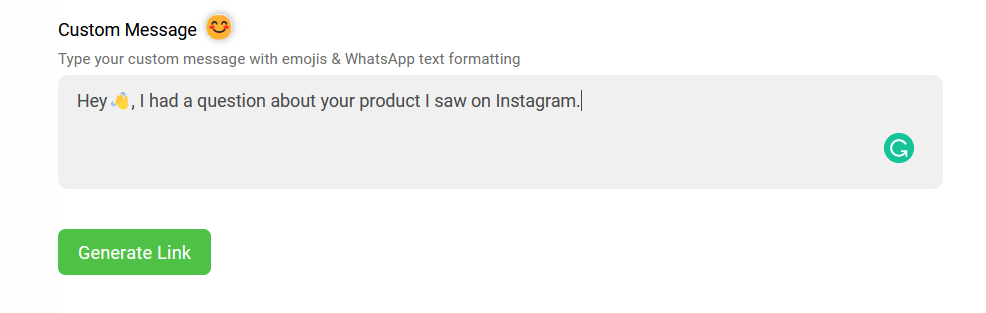
Type a message under the 'Custom Message' section. This would be the pre-filled message that the user will see when they reach your WhatsApp after clicking the link.While creating this, think about what a user might generally type when sending you a message. Preview the message side-by-side to get a feel of how it will look to your customers.
Click 'Create Link'
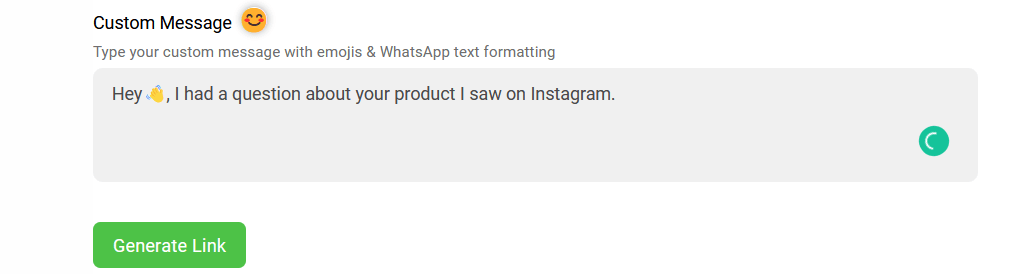
Last, hit the 'Generate Link' button.
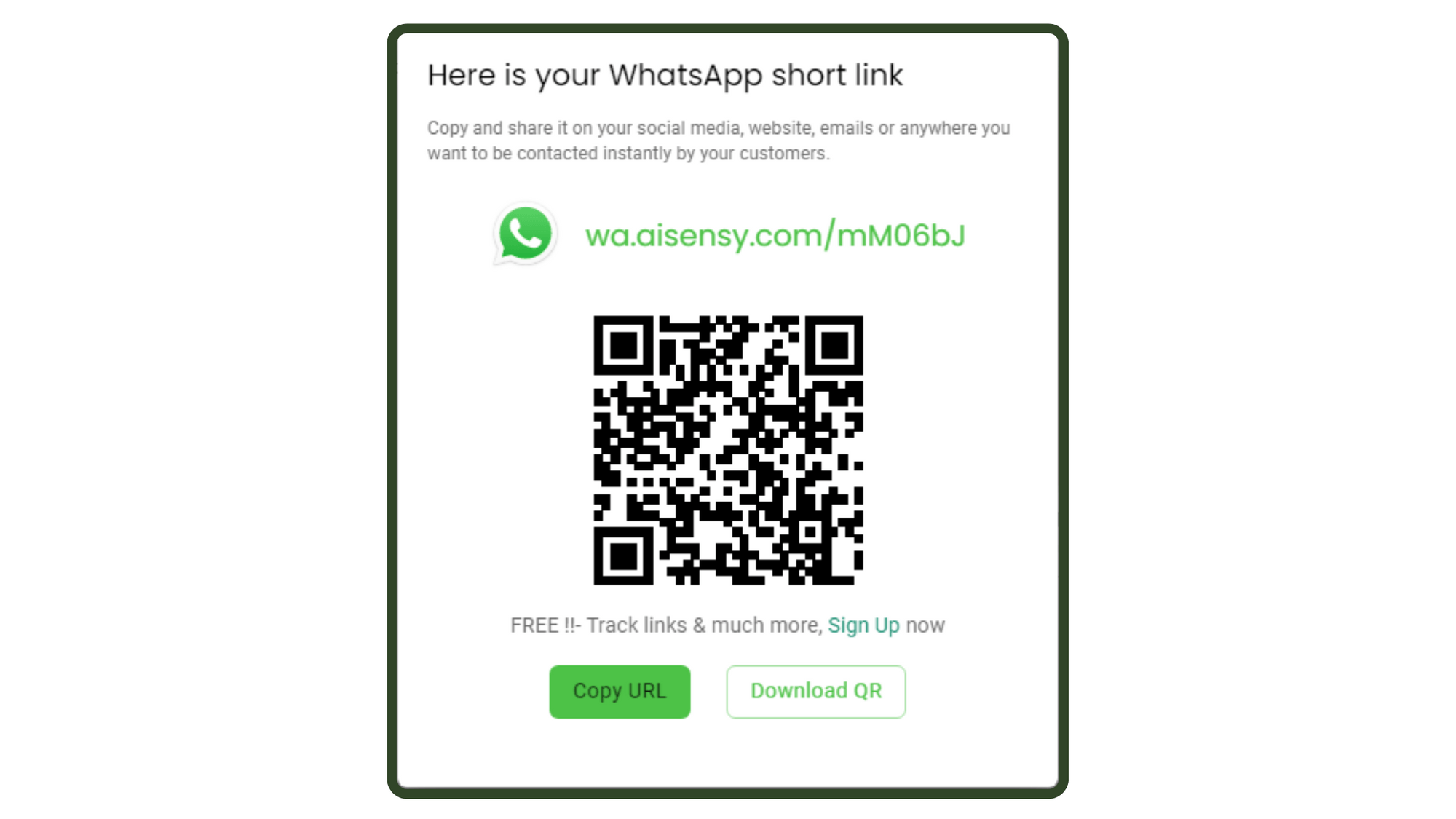
Done!
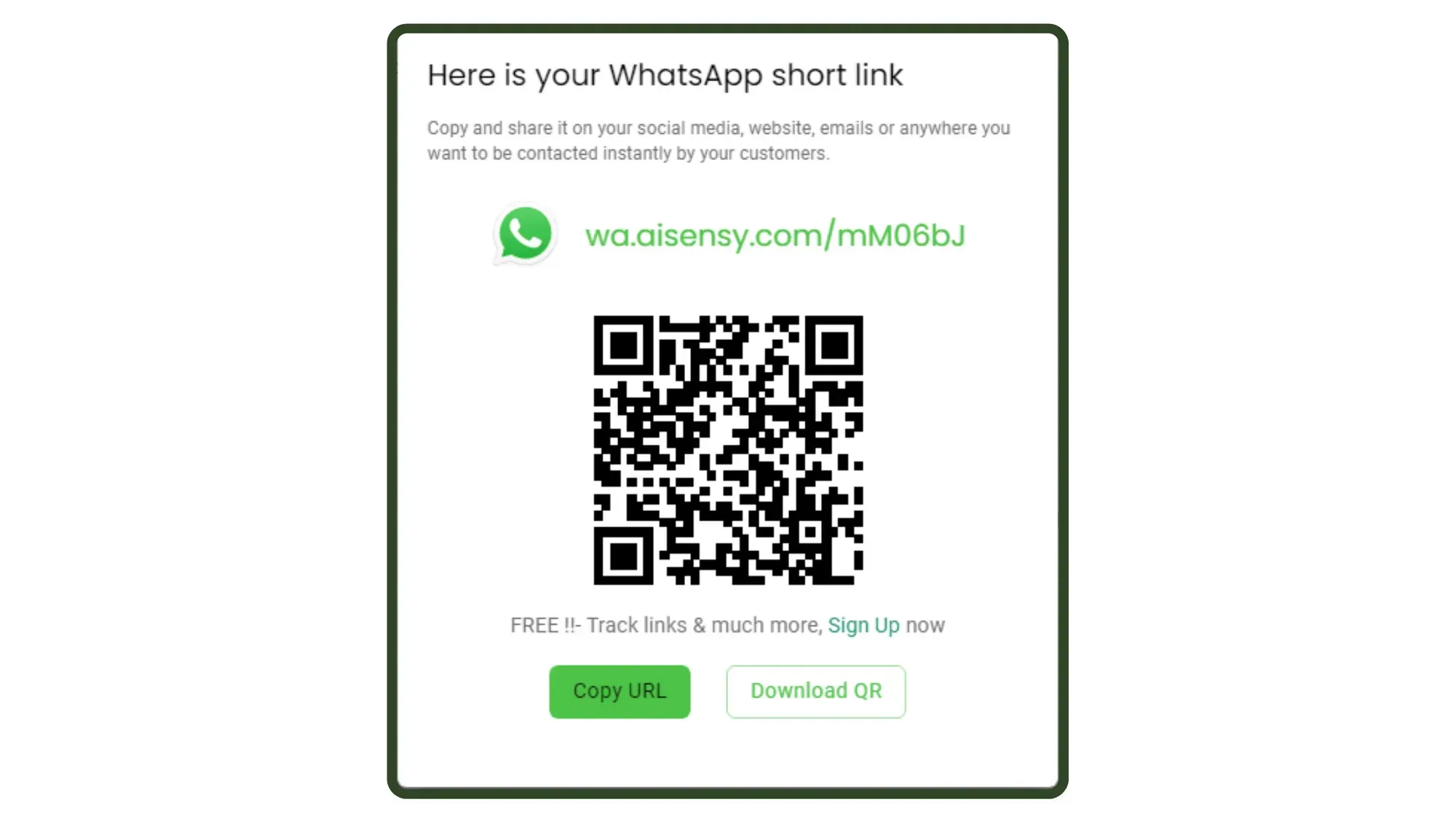
That's it!Simply copy the URL and share with your audience on Social Media platforms such as Facebook, Instagram, Linkedin, Twitter, Pinterest and more. You can also download the QR & add it to your product's packaging to get more traction.
Unlock the Full Potential of WhatsApp
Connect, convert, and scale — all in one powerful platform. Let Messegy do the heavy lifting.⚡️Powered by Official WhatsApp Business API
Book a DemoTry Messegy for FREE
What is a WhatsApp Link?
WhatsApp Link is your unique WhatsApp URL Link with a predefined message that you can share with your audience across all social media platforms!By clicking this WhatsApp link, users will be redirected to your WhatsApp with a pre-filled message that will show in their textbox chat window.
How to create a WhatsApp Link on Instagram?
You can add your WhatsApp Link on Instagram in 2 simple steps:1. Go to your Instagram ‘Bio Page’ & click ‘Edit Profile’.2. Under Links section, add your unique WhatsApp number link & press the tick button to save your settings.
How to create a WhatsApp Link on iPhone?
- On your iPhone, open the WhatsApp Business App👉Settings👉Business Tools.2. Scroll down & create ‘Short Link’.3. Copy & share the WhatsApp link on accross your social media platforms.
How to create a WhatsApp Link on Android?
- On your Android phone, open the WhatsApp Business App👉 Tap the three dots (⋮) in the top-right corner👉Business Tools.2. Scroll down & tap on ‘Short Link’.3. Copy & share the WhatsApp link on all social media platforms.
Do I need to pay to create a WhatsApp Link?
Nothing! You can generate unlimited click-to-chat WhatsApp Links with Messegy's WhatsApp Link generator.
Where can I use the WhatsApp Link?
You can add the WhatsApp link to your social media bios, share it on your Instagram, YouTube descriptions, Pinterest, Facebook, Twitter, website, to drive traffic to WhatsApp.