Effortlessly plan and schedule your WhatsApp Broadcasts for up to two months in advance with Messegy. Whether it's a product launch, a promotional campaign, or important updates, schedule them across different timezones and never miss a beat!
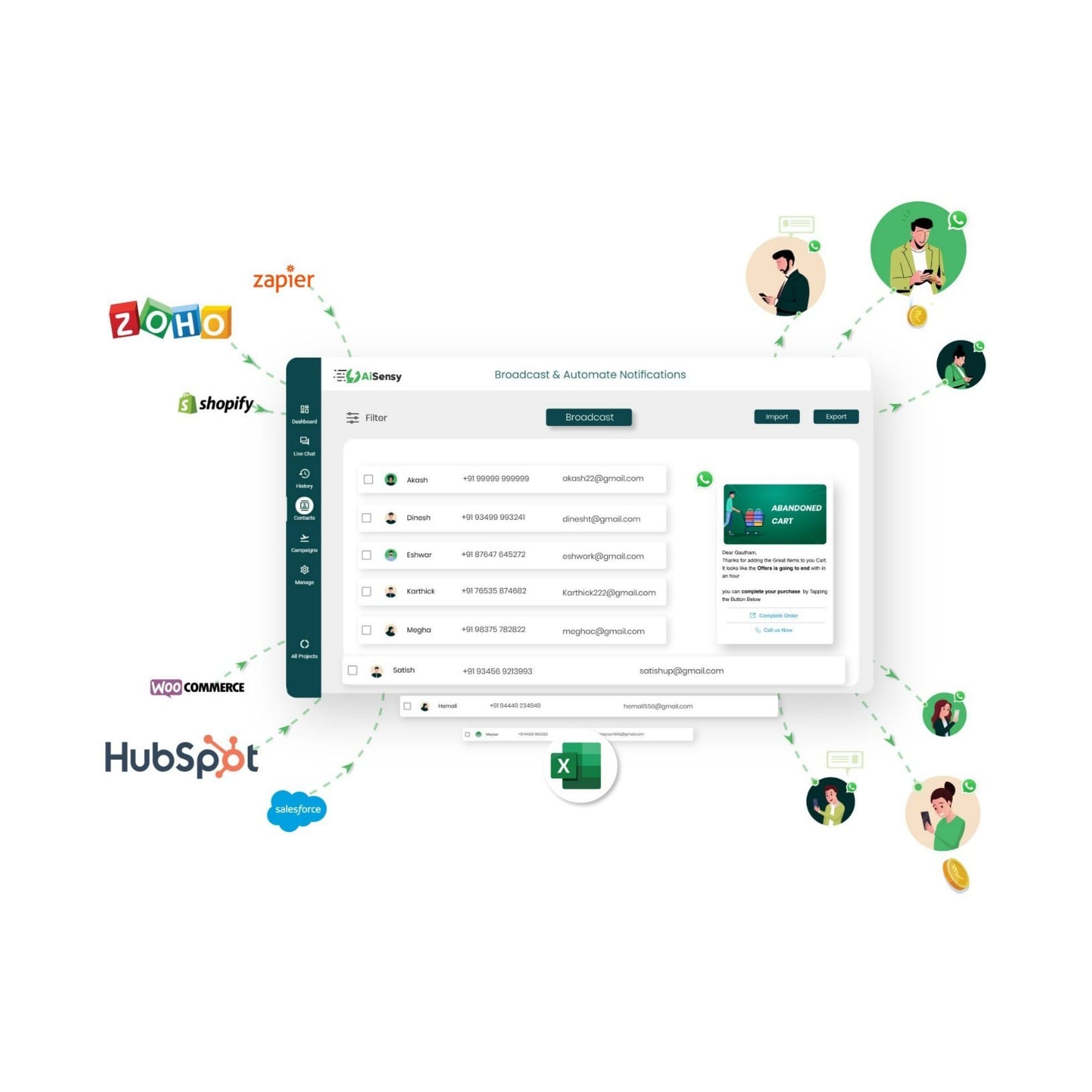
Why Schedule WhatsApp Broadcasts?
With Messegy’s WhatsApp Campaign Scheduler, you can:✅ Plan ahead with ease: Schedule broadcasts across various timezones, ensuring global reach.✅ Sleep peacefully: Launch midnight promotions without being up late.✅ Stay on top of your holidays: Pre-schedule campaigns to avoid working on holidays and weekends.Note: You can easily delete or reschedule your WhatsApp Broadcasts anytime from the Campaigns Page in the Messegy App.
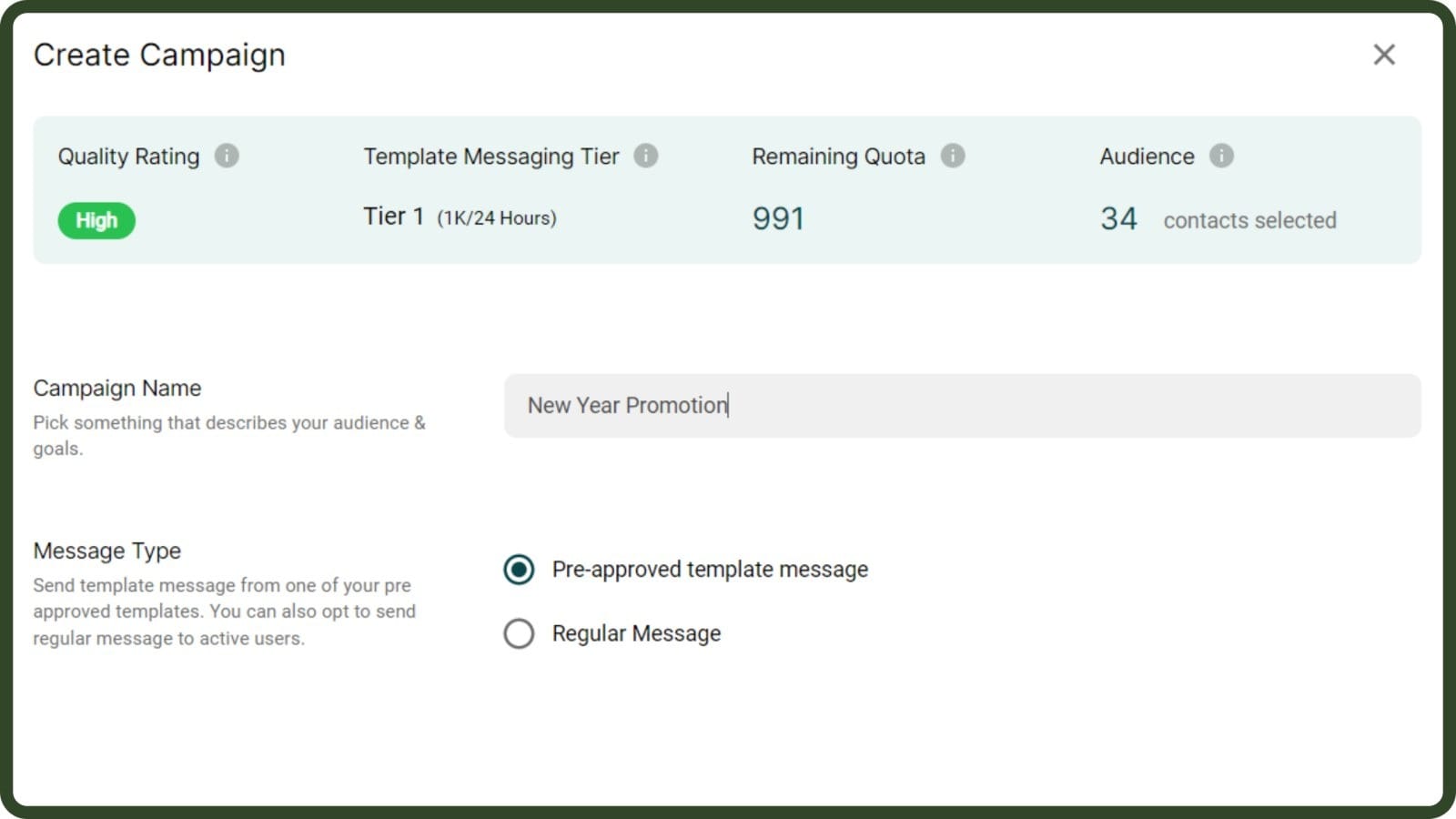
Go to the Contacts/ Campaigns page & create a Broadcast Campaign
Log in to Messegy App, go to Contacts / Campaign Page and click "+New" to create a new Campaign.
Log in
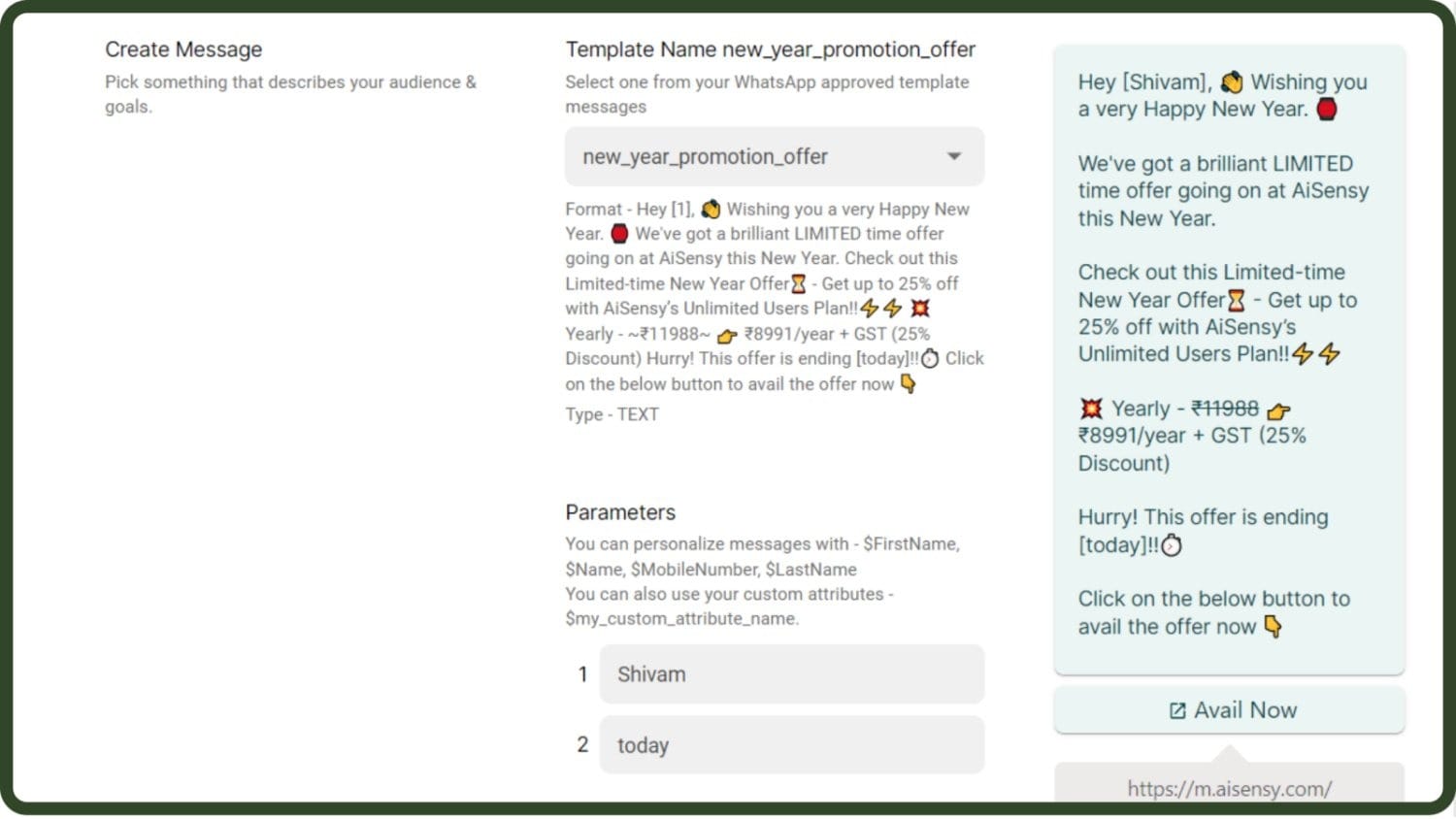
Select a pre-approved WhatsApp Template Message
Select one from your WhatsApp approved template messages.
WhatsApp Template Message Guide
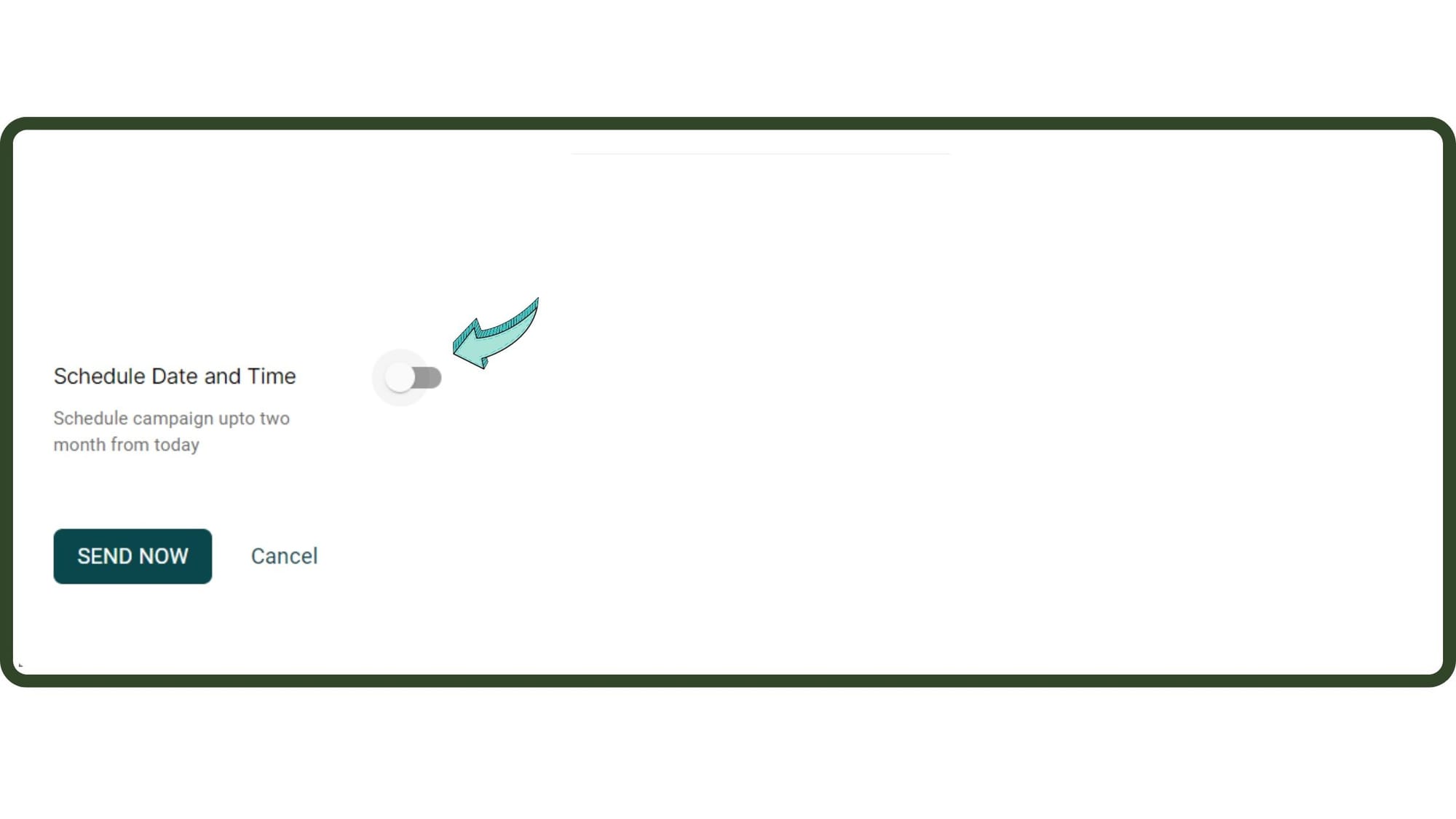
Enable the 'Schedule Date & Time' option
Scroll down & enable the Schedule Date & Time option
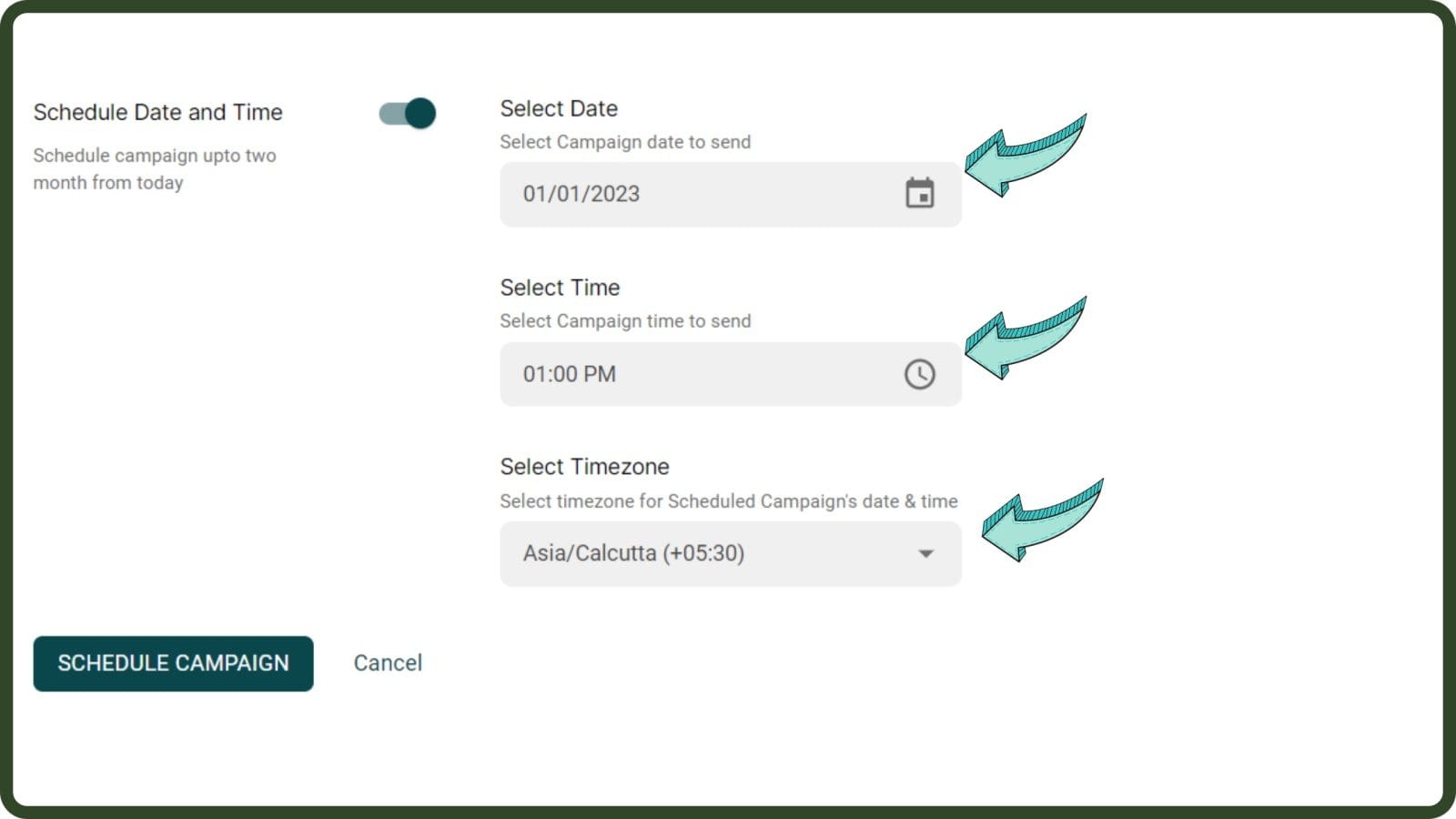
Pick a suitable date, time & timezone to schedule the Broadcast
Schedule campaign upto two months from today.
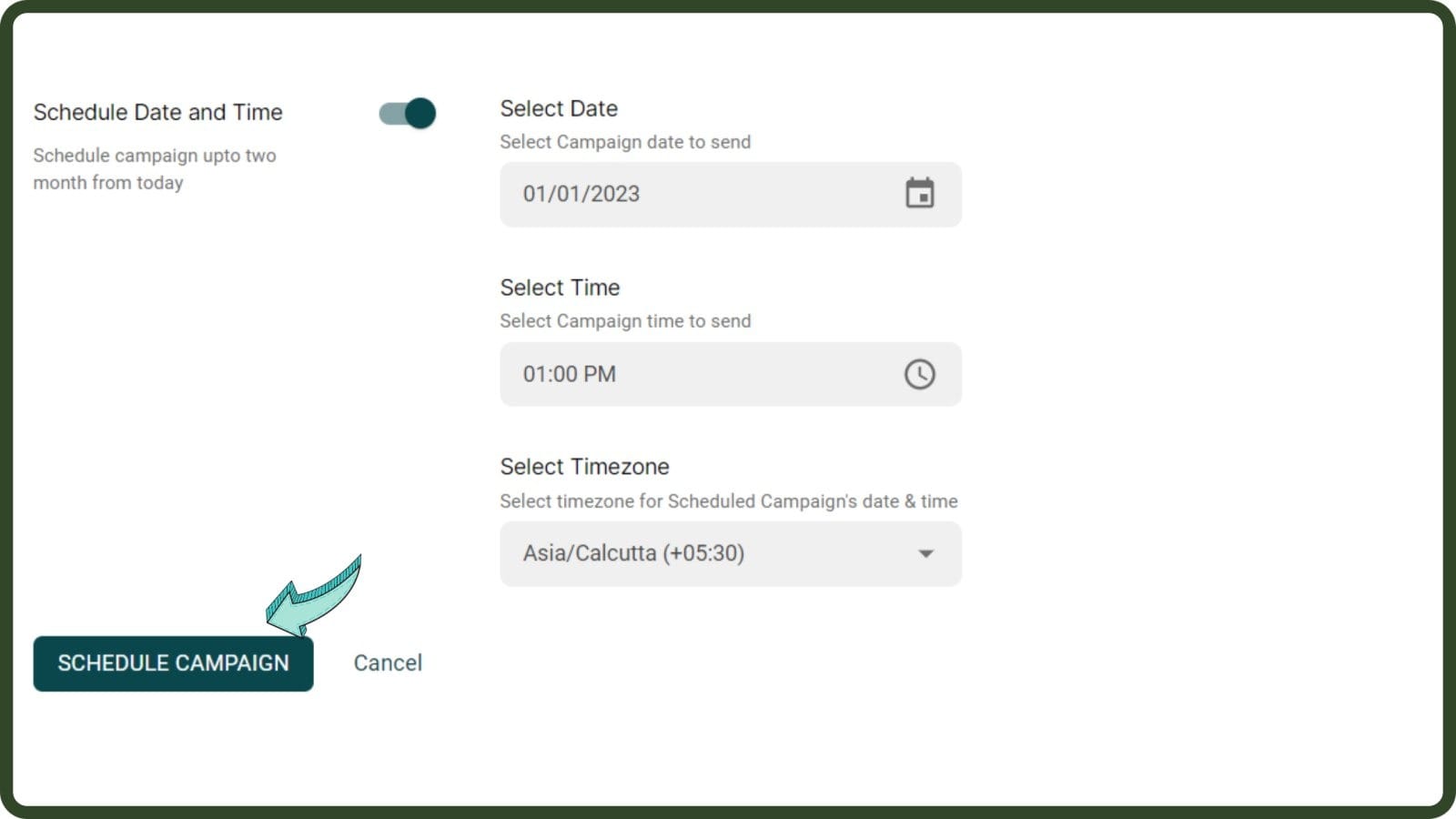
Click 'Schedule Campaign'
Click 'Schedule Campaign' to finish the scheduling process
Edit Scheduled Broadcasts
Go to 'Campaigns' to edit Scheduled Broadcasts
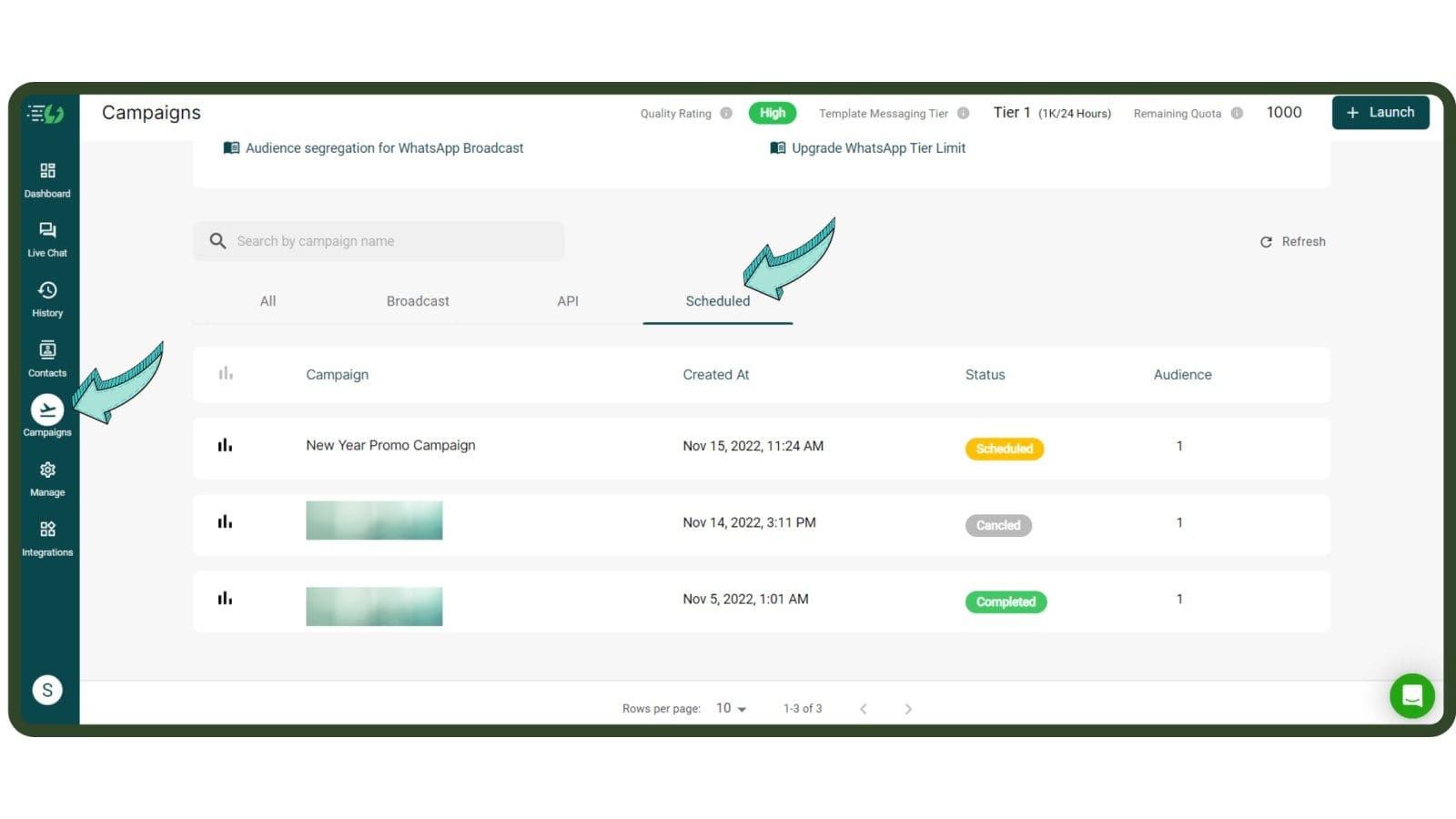
Edit your Scheduled WhatsApp Broadcasts
To edit your WhatsApp Broadcast, simply go to Campaigns 👉 Click Scheduled 👉 Press the ‘i’ button👉Click ‘Cancel’.That’s it!Go to Messegy App & schedule all your campaigns in advance.
Ready to get Started?
Get Started for FREE. No Credit Card needed.⚡️Powered by Official WhatsApp Business API
Book a DemoStart for FREE