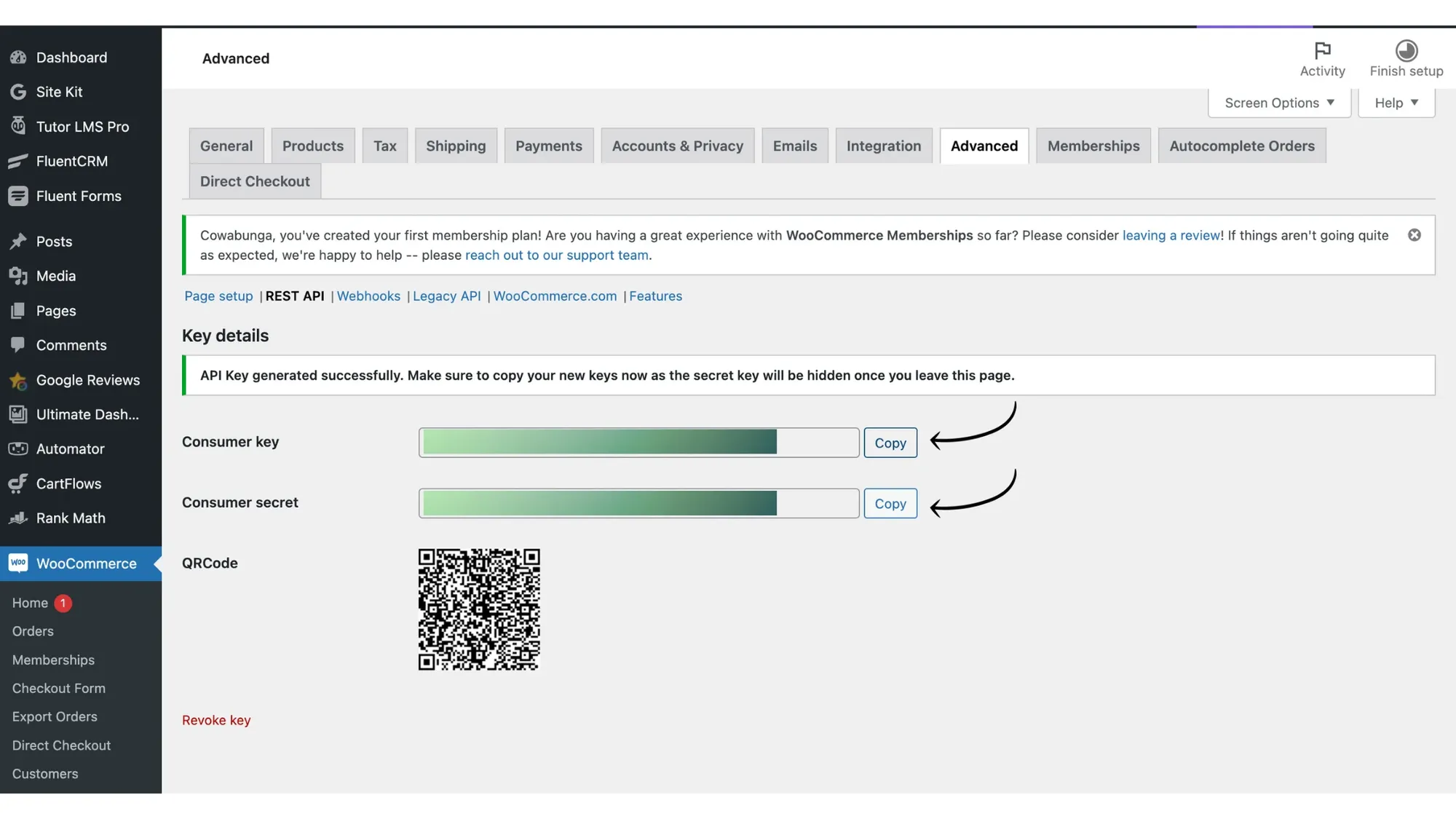
Step-by-step process to create WooCommerce secret keys to integrate WooCommerce with Messegy.

How to Create Secret API Keys from WooCommerce?
Here are the steps you need to follow to generate the WooCommerce Secret API keys:
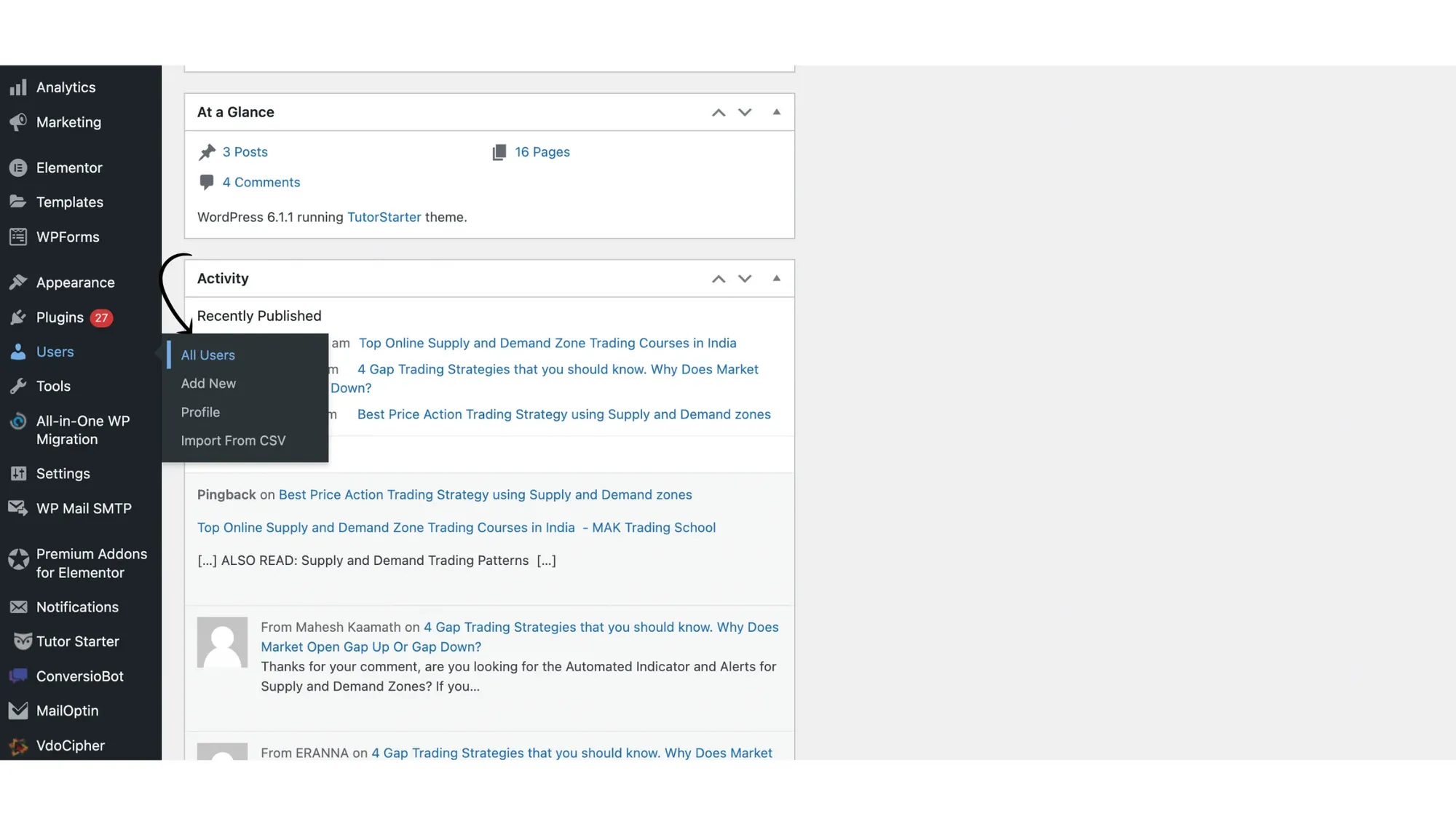
1. Go to WooCommerce Dashboard & reach the 'All Users' page
First, go to your WooCommerce Admin Dashboard & under Users, pick all users.
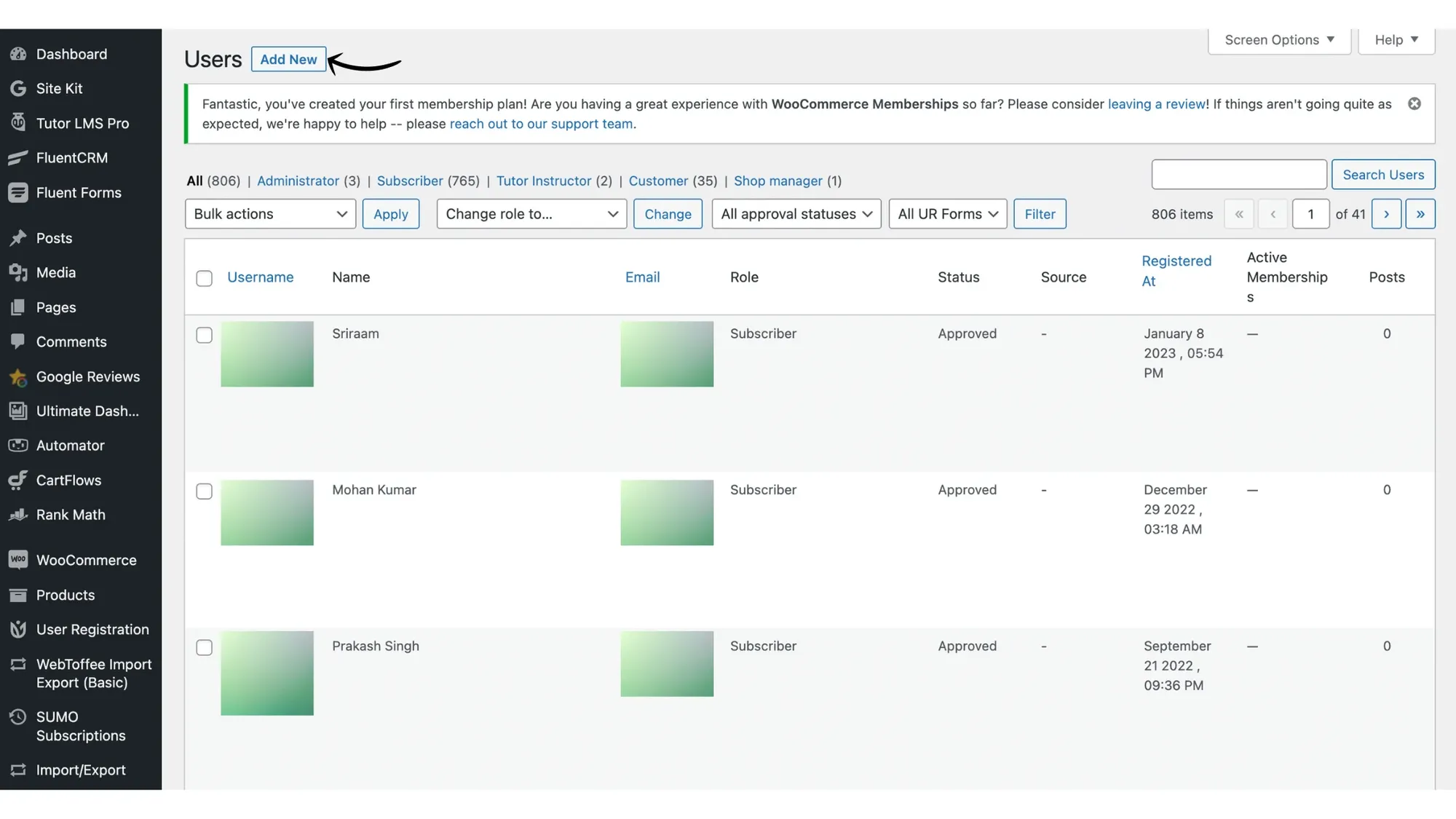
2. 'Add New' user
Next, click Add New to add a new user.
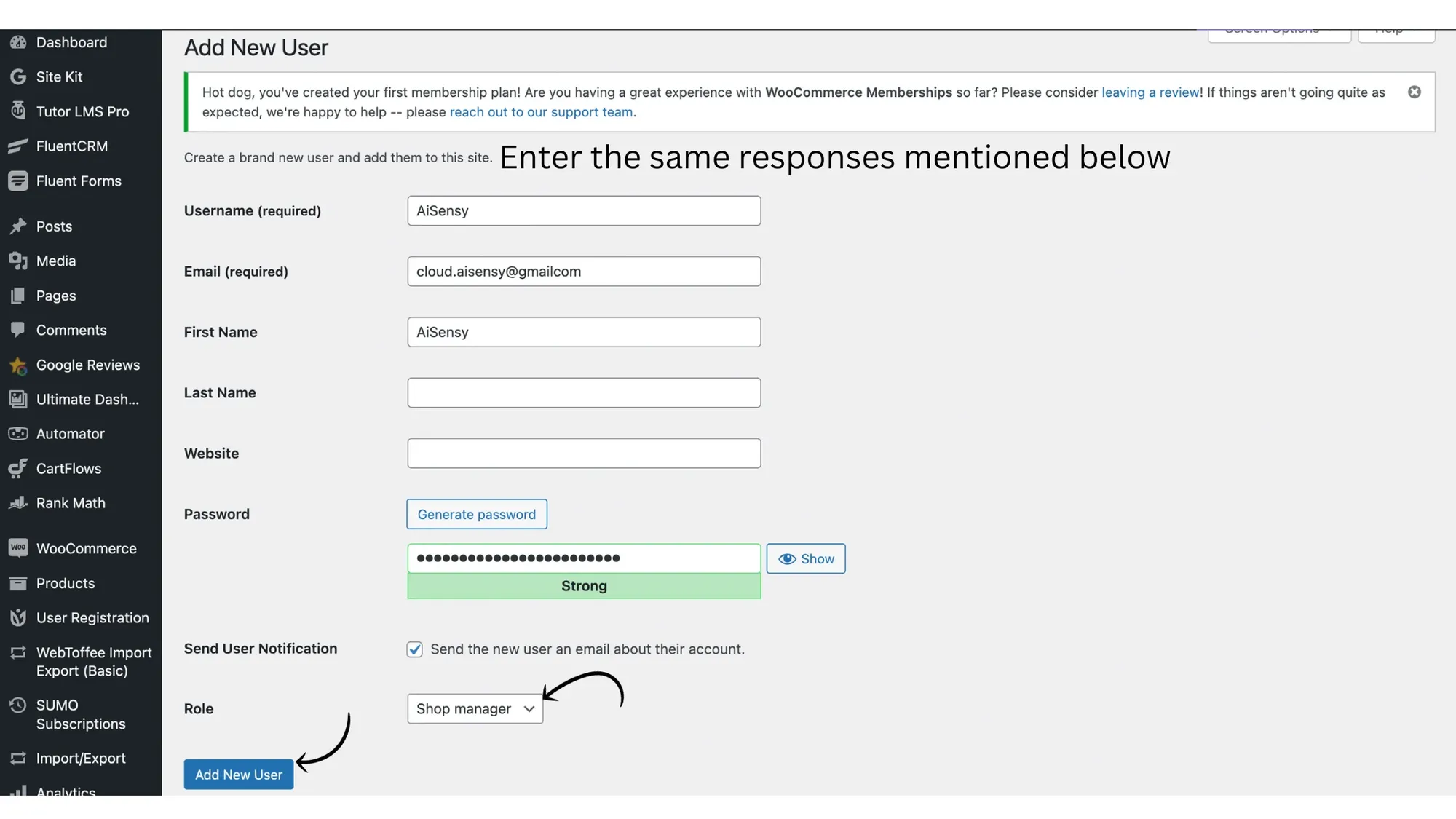
3. Add the same Credentials mentioned below
On the next page, add the exact same credentials mentioned below in the required fields:
Username: Messegy
Email: cloud.messegy@gmail.com
First Name: MessegyRole: Shop Manager
After adding these details, press Add New User.
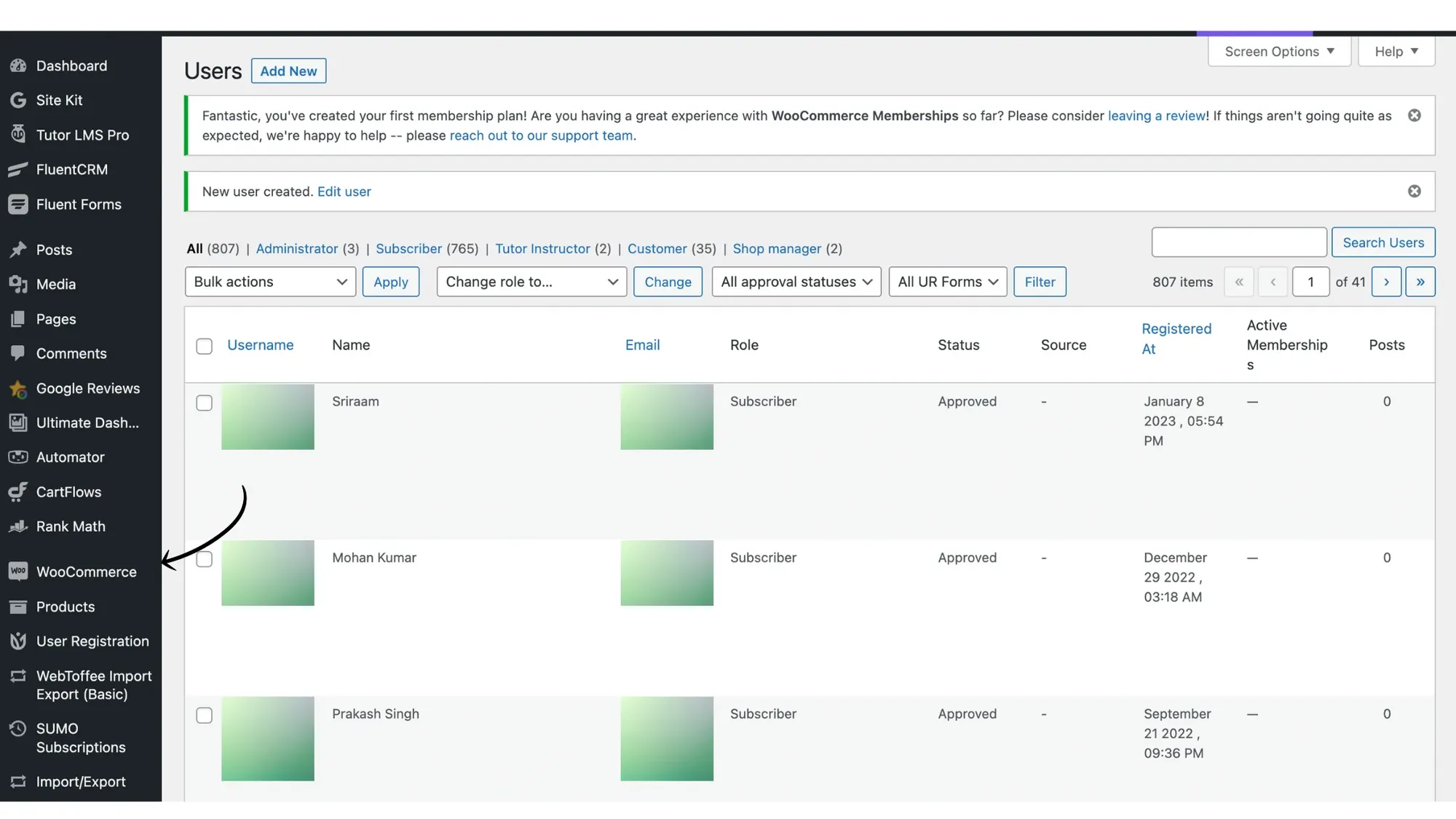
4. Go to WooCommerce Store
After adding Messegy as a user, go to the WooCommerce store as shown in the image.
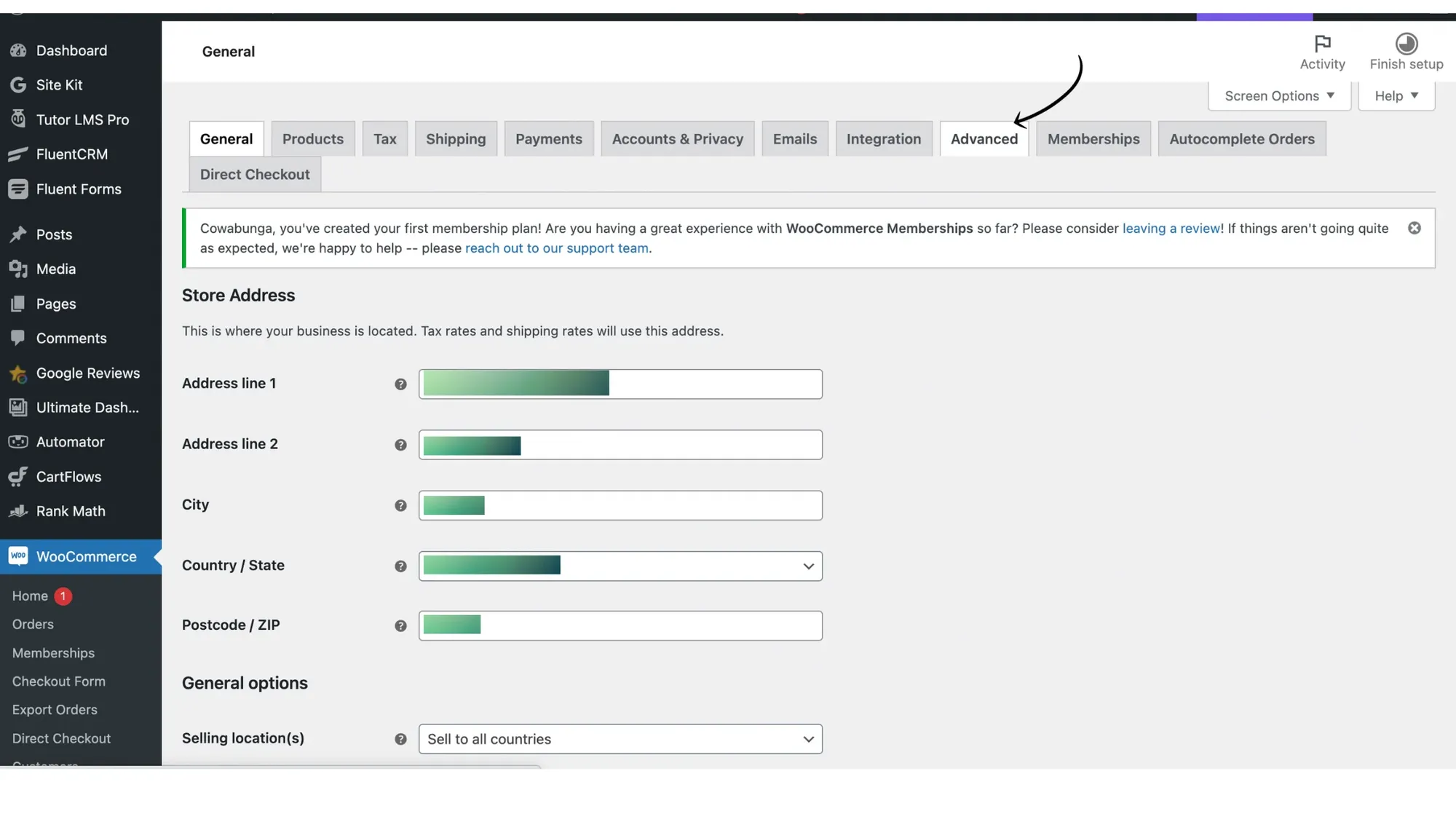
5. Go to 'Advanced'
In WooCommerce, go to Advanced.
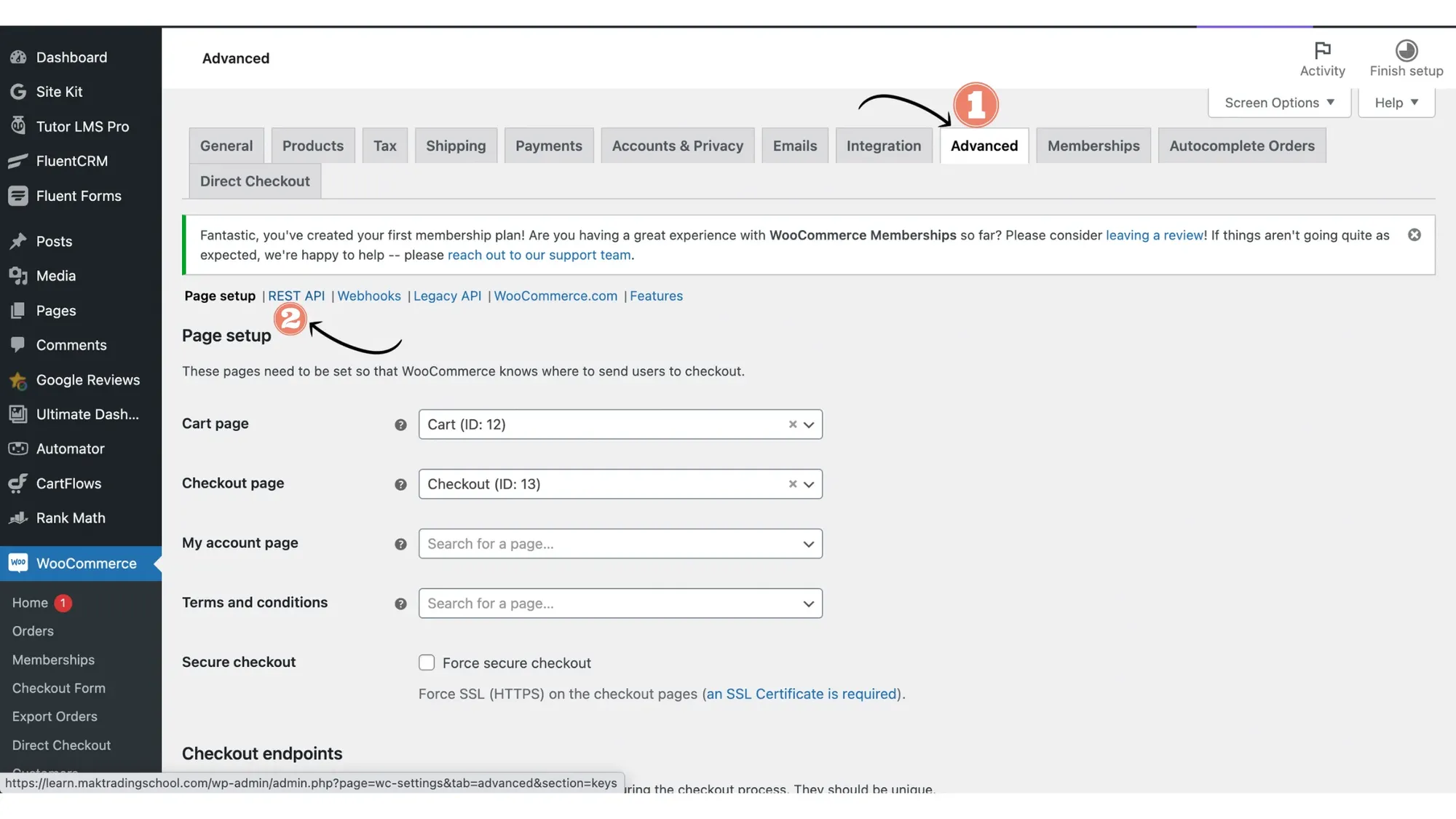
6. In Advance, go to 'Rest API'
Under advanced, go to Rest API.
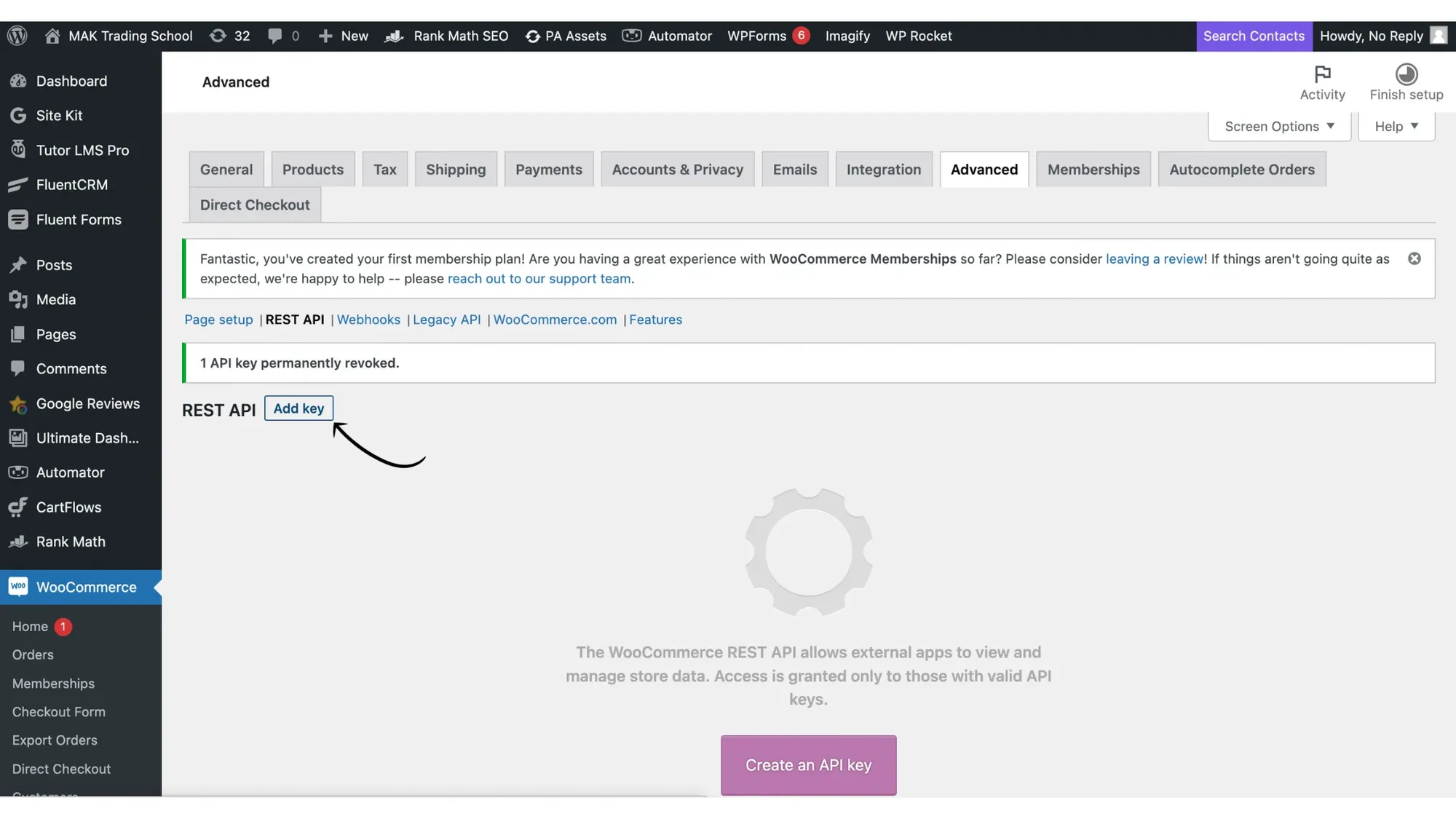
7. Click 'Add Key'
Now, click on Add Key to create your Secret API Key.
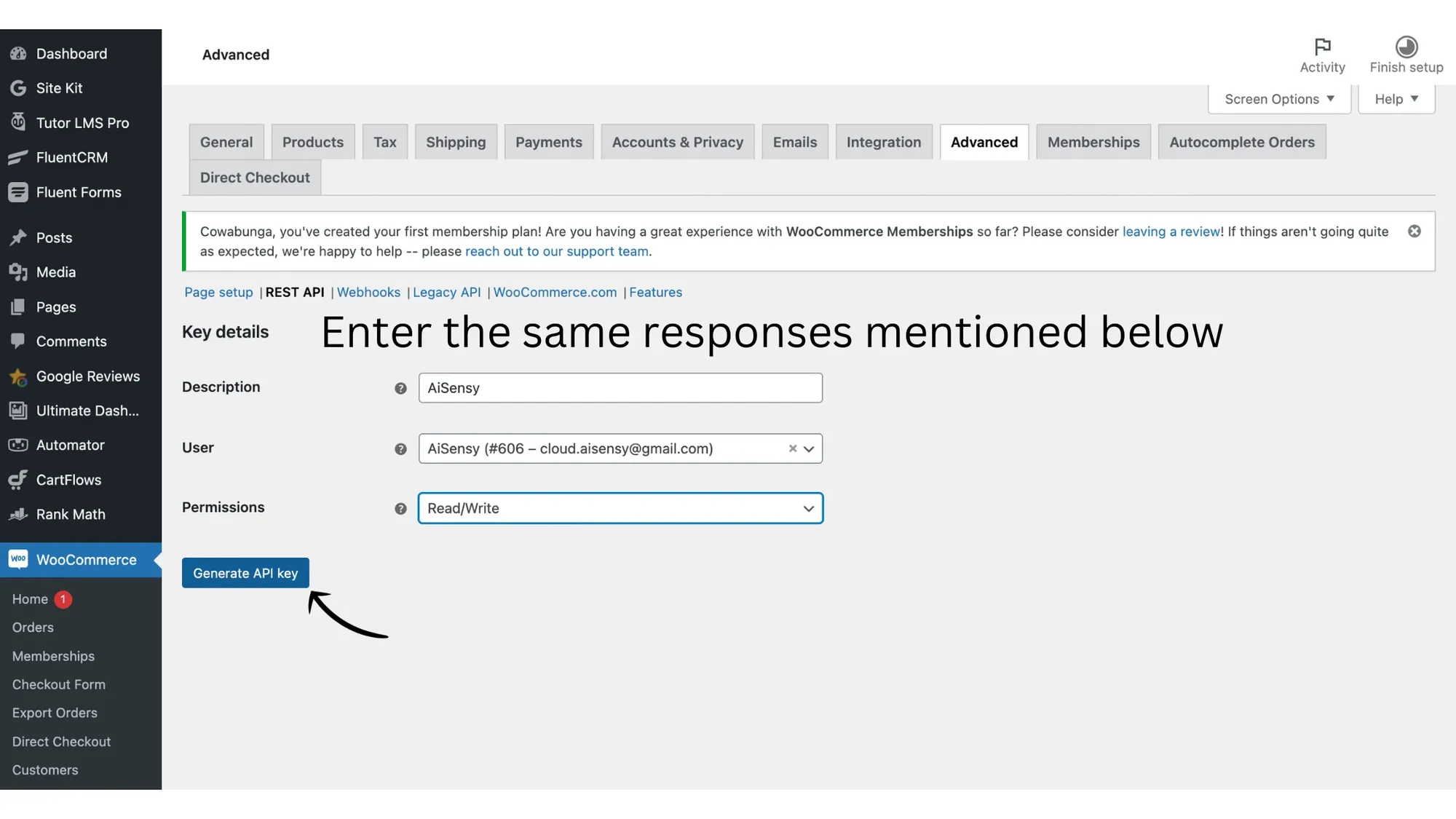
8. Add the same Credentials mentioned below
Again, add the exact same credentials mentioned below in the required fields:
Description: MessegyUser: Messegy (#{{dynamic value/ auto-fetch}} - cloud.messegy@gmail.com)
Permissions: Read/ Write
Note: The dynamic value will be auto-fetched.
After adding these credentials, click Generate API Key.
9. Your Secret API Keys are created successfully
After clicking Generate API Key, two new keys will generate on the next screen: Consumer Key & Consumer secret key.
Your Secret API keys are now generated.
Note: Ensure that you copy these keys as you only see them once. If you fail to copy them, you'll have to follow all the steps again!
Now, let's integrate your WooCommerce store with Messegy:
WooCommerce Integration Part 2