Parameters are brackets within which you need to keep your WhatsApp Template Message & sample message before submitting the message to WhatsApp for approval.Here's how to use parameters while drafting WhatsApp Template Message 👇
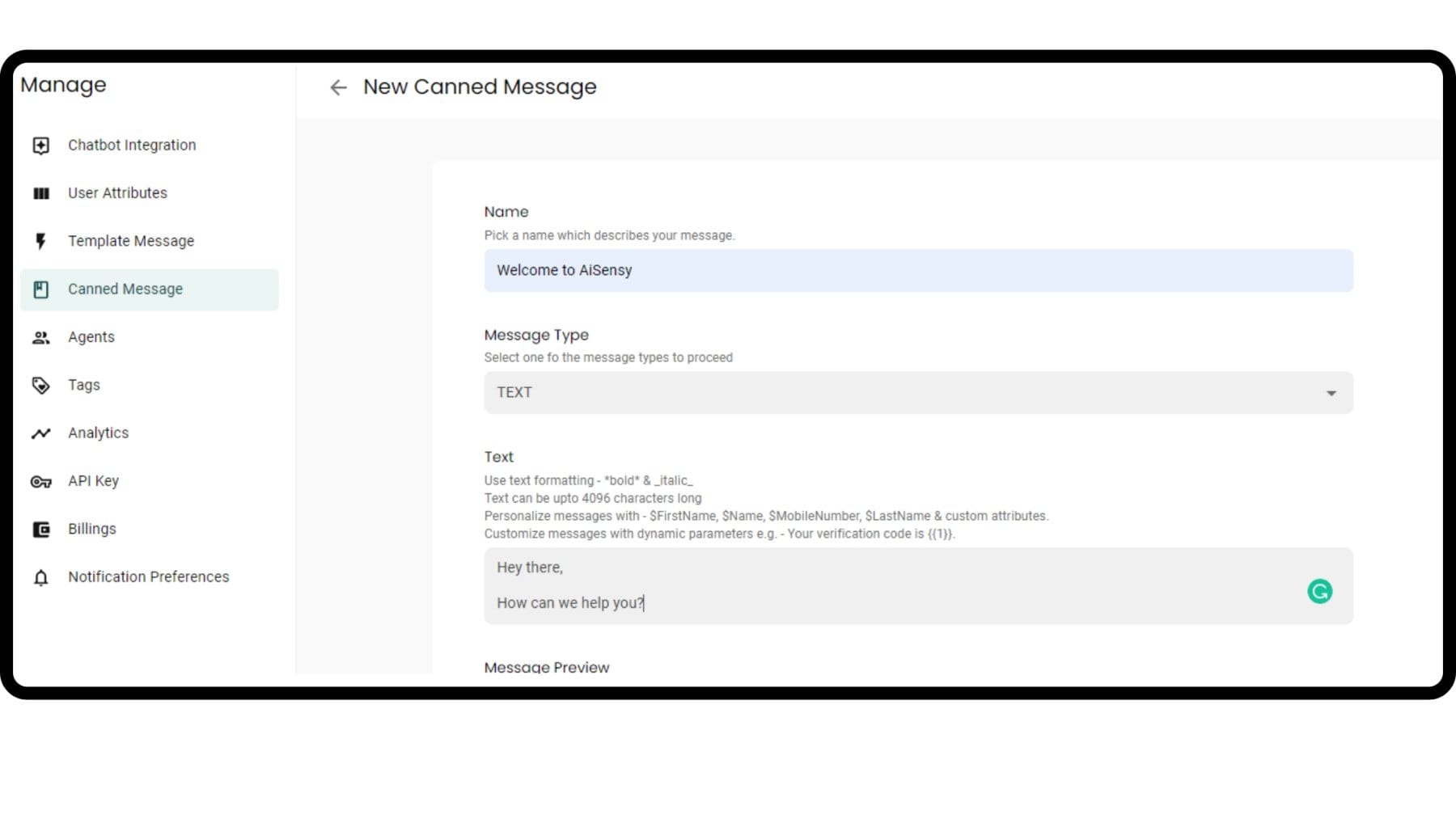
Go to Template Message Section & click 'New
First, create a new WhatsApp Template message by clicking 'New' in the manage section.
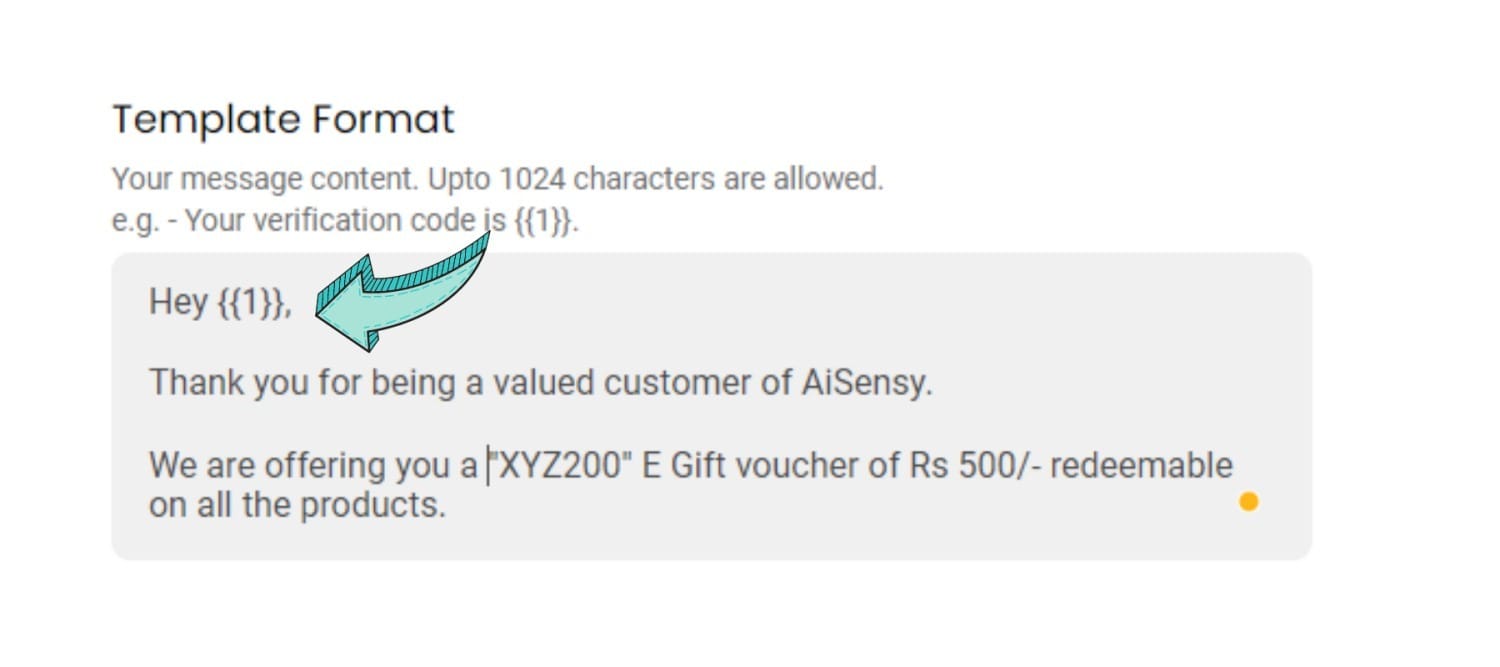
Parameters in Template Format
Check out our complete WhatsApp Template Message Guide to know how to fill Template Label, Type, Category & Language.In Template Format, you need to add the format of your WhatsApp Template Message as shown in the image on the right. There are 2 rules for using parameters while drafting Template Format.Make sure to use variable parameters and that they have the correct number of curly brackets (i.e., there need to be 2 brackets on the left and 2 on the right of the variable)Make sure the parameters (e.g., {{1}}) contains some textFor example:Correct Format:Hello {{1}}Wrong Format:Hello{{1}}{{2}}
WhatsApp Template Message Guide
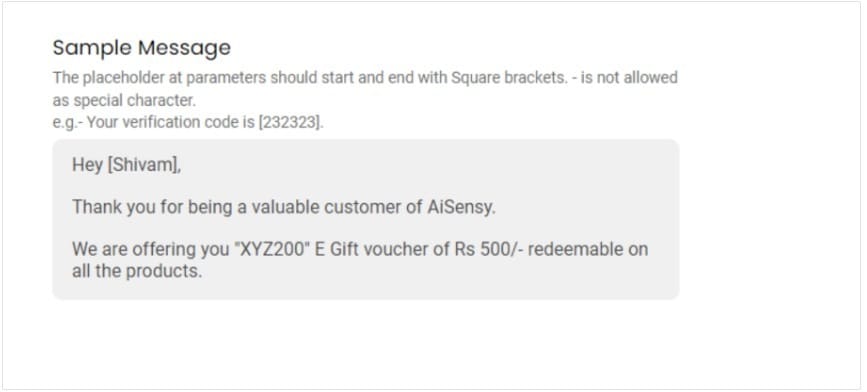
Parameters in Sample Message
In Sample Message, you need to copy-paste the same WhatsApp Template message as in Template Format.The only difference is that instead of curly brackets, you need to use "[]" square brackets. Also, instead of the number (1), you must add a sample value i.e. name.Similarly, if there's another bracket, you must add a solid figure, instead of a variable in Sample Message.Don't worry, the parameters won't appear when your Broadcast goes live.
Ready to get Started?
Get Started for FREE. No Credit Card needed.⚡️Powered by Official WhatsApp Business API
Book a DemoStart for FREE