Want to access the Messegy App with a single click? It's very easy!You only need to download the browser application on multiple devices like PCs, mobiles, tablets etc.In this tutorial, we'll look at how to download Messegy Browser Application on PC devices.
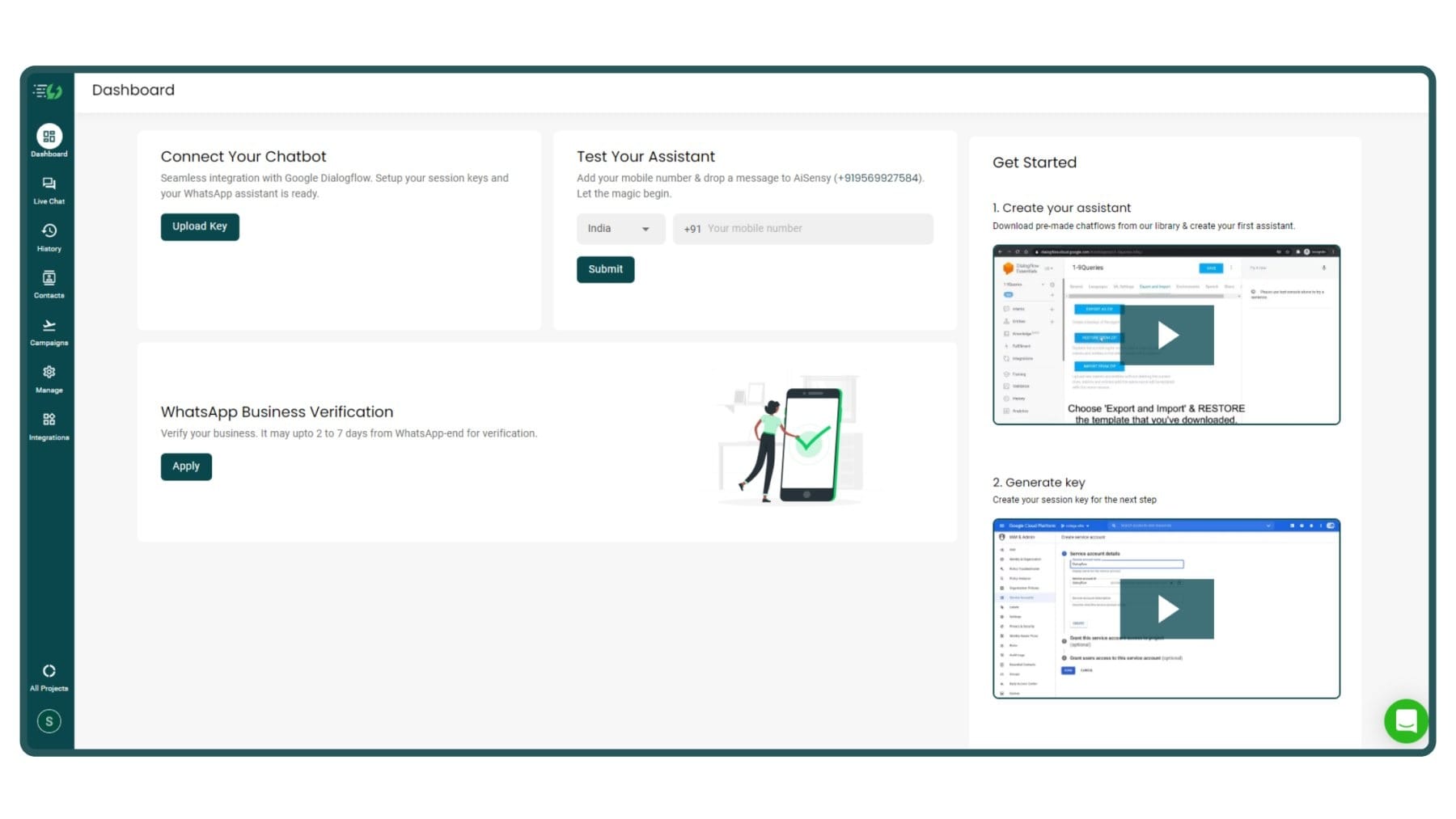
Open Messegy App in your Browser Window
First, log in to Messegy App.
Log in
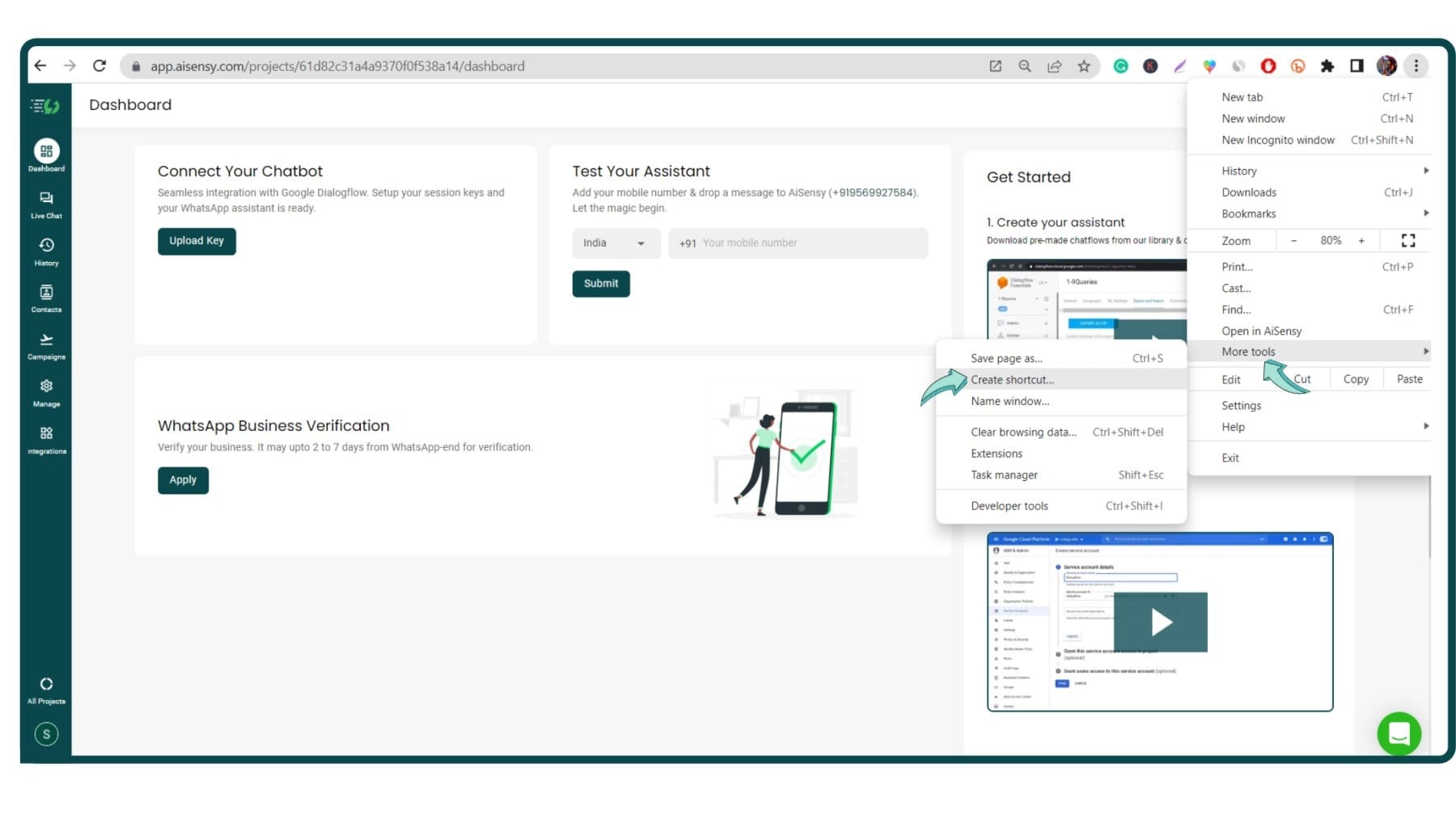
Open Browser Settings
If you're using Chrome Browser, click the three dots at the top right corner👉 Click More Tools 👉 Press Create Shortcut.The settings are similar across all Browsers.
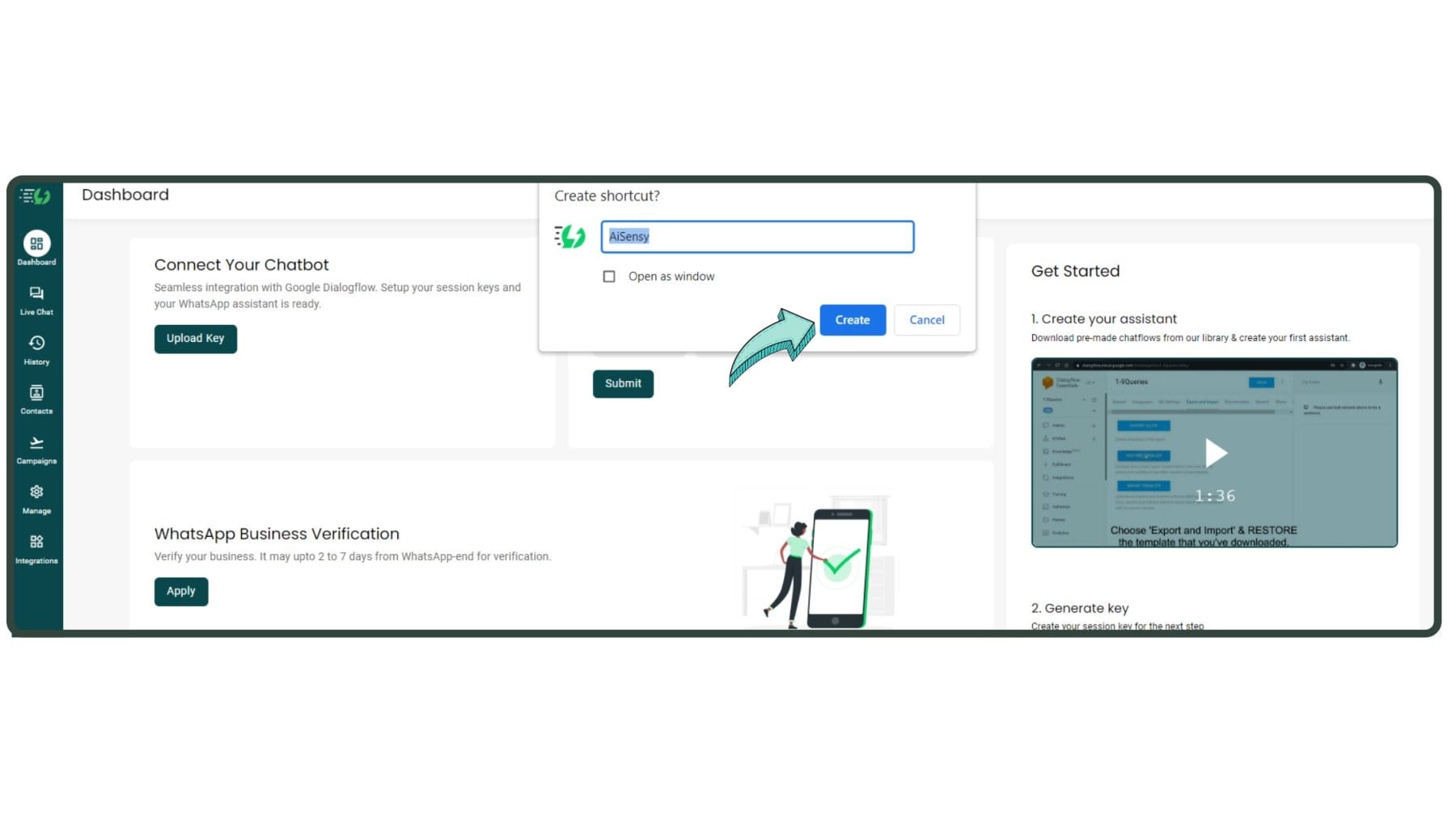
Add Personal & Company Details
Name how you want to save the Messegy App & click "Create".This will download the Messegy App on your PC Desktop.
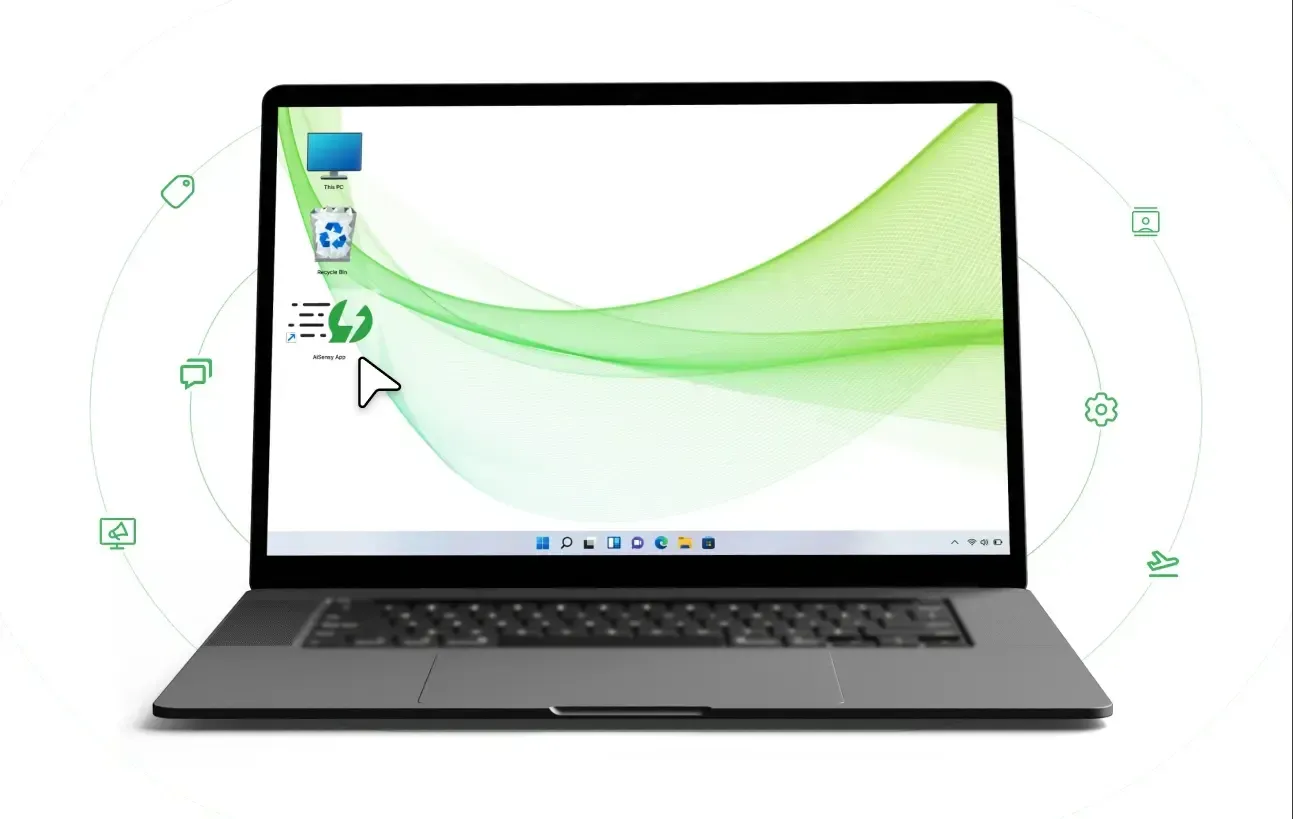
App Created🎉
The App will download on your Desktop.Double-clicking the "Messegy App" icon will automatically open the app, making it far easier to access!To learn how to download the App on Mobile devices, click below.
How to Download Messegy App on Mobile

Ready to get Started?
Get Started for FREE. No Credit Card needed.⚡️Powered by Official WhatsApp Business API
Book a DemoStart for FREE