With WhatsApp coexistence, keep your WhatsApp Business app and WhatsApp Business API live on the same number.
This doc tells you everything you need to know about going live with coexistence via Messegy as your WhatsApp Business Solution Provider (BSP)
Get Started for FREE
WhatsApp Co-Existence?
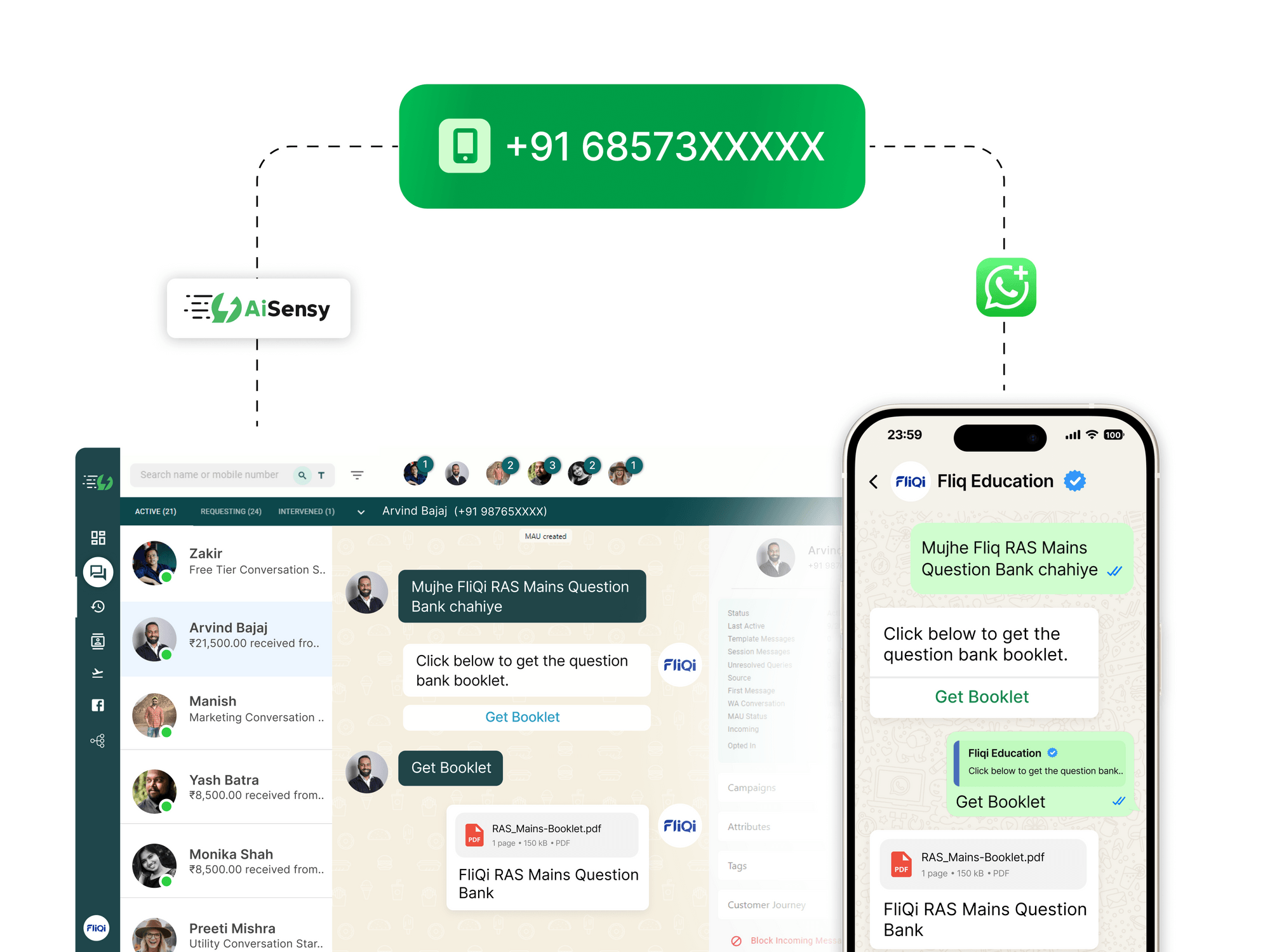
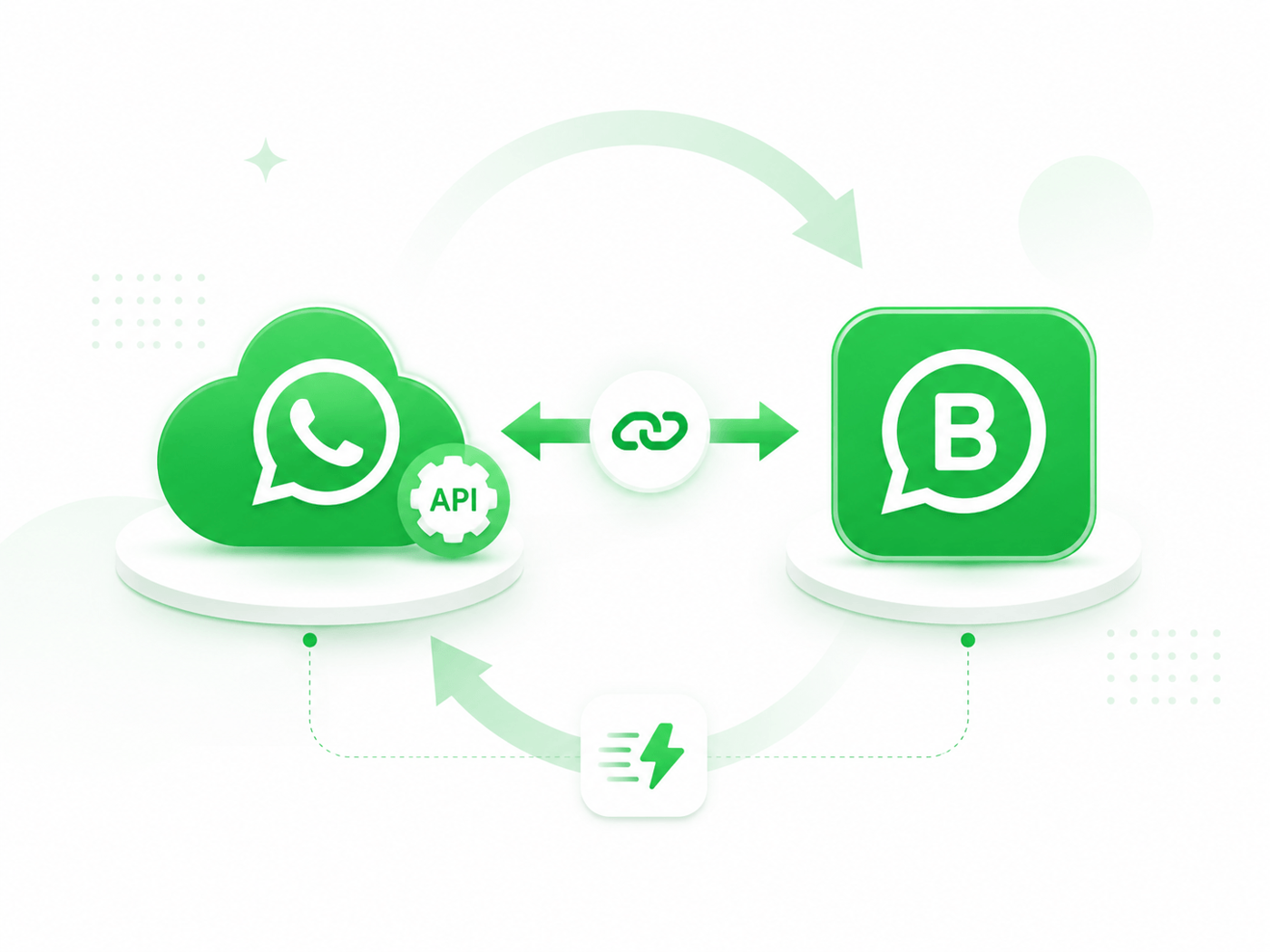
WhatsApp Coexistence lets you connect your existing WhatsApp Business App number to the WhatsApp Business API without deleting your account or changing your number.
It gives you:
One number, two interfaces
Continue replying from the WhatsApp Business App while your team manages supported conversations from Messegy. Messages are mirrored between both.
Up to 6 months of 1:1 chat history sync
Recent individual chats can be synchronized to Messegy during onboarding.
Access to advanced API features
Use broadcasts, CRM integrations, automations, chatbots, AI Agents, and multi-agent live chat on your existing number.
Click-to-WhatsApp leads in both places
Ad leads can be viewed and managed from your WhatsApp Business App as well as Messegy.
Benefits of WhatsApp Co-Existence Update
Here's what you gain when you enable WhatsApp Coexistence on your existing WhatsApp Business number.
Seamless Transition, Zero Disruption
Keep all your existing WhatsApp chats, contacts, groups & communities safe, while still reaping the massive benefits of WhatsApp Business API on the very same number.
WhatsApp Chat Sync
All your chats sync across the WhatsApp Business app and Messegy's live chat, so you can reply from either one. Up to six months of chat history comes with you.
Access Advanced Features
Get unlimited broadcasting, CRM integrations, automations, WhatsApp chatbot and multi-agent live chat, all running on the WhatsApp Business number your customers already know.
Click to WhatsApp Ad Leads Sync
View and engage every Click to WhatsApp ad lead inside your WhatsApp Business app. Run the ads on Messegy's forever FREE plan and only pay for Meta ad credits.
Cost-Effective Upgrade
Save the expense of switching numbers. You get the WhatsApp API on your existing WhatsApp Business number, with nothing new to buy and no change to announce to customers.
Business Tools Stay Untouched
Your catalog, orders, status, labels and greeting messages keep working exactly as before inside the WhatsApp Business app. There is nothing to rebuild and nothing to migrate.
Prerequisites for WhatsApp Co-Existence
Before getting started, ensure you have:
How to Get Started with WhatsApp Co-Existence?
Applying for the WhatsApp Business API through coexistence follows the same steps as a standard application. The one difference is that coexistence onboarding is not self-serve yet, so the Messegy team enables it on your existing WhatsApp Business number for you.
Meta's Official Feature-Level Breakdown
Exactly what changes, what stays the same, and what stops working in your WhatsApp Business App once your number is onboarded to the Cloud API.
Existing feature
What changes after Cloud API onboarding
Supported on Cloud API
Individual 1:1 Chats
Message edit and revoke are supported. Chat messages from the most recent 6 months can be synchronized. Messages sent and received are mirrored between the WhatsApp Business App and Cloud API.
✓Yes
Contacts
No major change. Contacts with a WhatsApp number can be synchronized.
✓Yes
Group Chats
Group chats continue working in the WhatsApp Business App but are not synchronized with the Cloud API.
!No, works in app
Disappearing Messages
Disappearing messages are turned off for individual 1:1 chats.
✕No, turned off
View Once Messages
View once messages are disabled for individual 1:1 chats.
✕No, disabled
Live Location Messages
Live location messages are disabled for individual 1:1 chats.
✕No, disabled
Broadcast Lists
New broadcast lists cannot be created. Existing broadcast lists become read-only.
✕No, read-only
Voice and Video Calls
No change inside the WhatsApp Business App.
!No, works in app
Business Tools such as Catalog, Orders and Status
No change inside the WhatsApp Business App.
!No, works in app
Messaging Tools such as Marketing Messages, Greeting Messages, Away Messages, Quick Replies and Labels
No change inside the WhatsApp Business App.
!No, works in app
Business Profile such as Business Name, Address and Website
No change inside the WhatsApp Business App.
!No, works in app
Channels
No change inside the WhatsApp Business App.
!No, works in app
✓Available through the Cloud API !Not on the Cloud API, but unchanged in your app ✕Turned off or restricted after onboarding
Here's How Our Team Can Help You
✓ Check your number meets Meta's requirements
✓ Complete the onboarding process with you
✓ Connect your existing WhatsApp Business number
✓ Explain what changes in your WhatsApp Business App
Why Enable WhatsApp Co-existence with Messegy?
Keep your number and your chats, and get the API set up correctly the first time
Keep Your Number. Get the WhatsApp API.
Enable WhatsApp Coexistence on your existing WhatsApp Business number and add broadcasting, chatbots and automation without losing a single chat.
Book a DemoGet Started for FREE
FAQs
Frequently asked questions answered
Can I use the same number on the WhatsApp Business App and WhatsApp API?
Yes. WhatsApp Coexistence lets you use the same eligible business number on both the WhatsApp Business App and Cloud API. Supported 1:1 messages are mirrored between the app and the Messegy dashboard, allowing you to reply from either interface.
Will I lose my existing chats after enabling WhatsApp Coexistence?
No. Your existing chats remain available inside the WhatsApp Business App. If you approve chat-history sharing during onboarding, up to the most recent six months of supported 1:1 conversations can also be synchronized with Messegy. Group chats are not synchronized to Cloud API.
What are the requirements for WhatsApp Coexistence?
You need an active and eligible WhatsApp Business App number, access to the relevant Meta business setup, and a supported version of the WhatsApp Business App. Meta may also check the eligibility of your business account and number during onboarding.
Does WhatsApp Coexistence work in India?
Yes. WhatsApp Coexistence is available for eligible Indian business numbers. Nigeria and South Africa are also now supported, so they should not be listed as excluded countries. Availability may still depend on Meta’s account and number eligibility checks.
Is WhatsApp Coexistence free?
Meta does not list a separate Coexistence activation fee. Messages sent manually through the WhatsApp Business App continue to follow app rules, while messages sent through Cloud API are billed according to Meta’s applicable WhatsApp Business Platform pricing. Messegy plan or service charges may also depend on the plan and features used.
How does WhatsApp Coexistence work day to day?
Customers continue messaging the same WhatsApp number. You can reply manually through the WhatsApp Business App, while your team manages supported conversations, automation, campaigns, integrations, and customer support through Messegy.
Will my WhatsApp broadcast lists continue working?
Existing broadcast lists become read-only, and you cannot create new Business App broadcast lists after Coexistence onboarding. You can instead send API-powered broadcast campaigns through Messegy with audience segmentation, templates, scheduling, and analytics.
Can I continue using WhatsApp groups?
Yes, group chats continue working inside the WhatsApp Business App. However, groups are not supported or synchronized through Cloud API, so they will not appear in the Messegy dashboard.
How long does WhatsApp Coexistence setup take?
Setup time depends on number eligibility, Meta account checks, permissions, and onboarding requirements. The Messegy team can guide you through the process, connect your existing number, and help test chat synchronization after setup.