Discover how to apply for Official WhatsApp Business API for FREE with Messegy. Our detailed guide walks you through each step, helping your business get approval within 10 minutes.
Get Started for FREE

What is WhatsApp Business API?
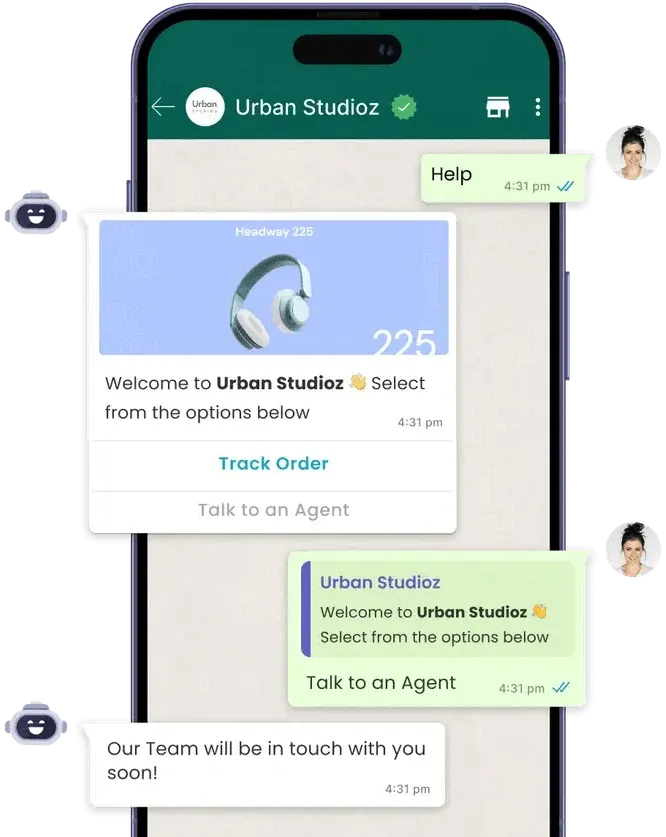
The WhatsApp Business API is a powerful tool for businesses to communicate with customers at scale. It enables:
-
Automated messagingSave time and resources by automating responses to frequently asked questions, order updates, and more.
-
Bulk notificationsSend timely updates, promotions, and alerts to thousands of customers with just a few clicks.
-
Seamless customer supportProvide instant, 24/7 support with automated chatbots and/or human agents.
-
Integration with CRM and other toolsConnect WhatsApp Business API with your existing CRM, analytics tools, and workflows for a unified business ecosystem.
Pre-requisites to Apply for WhatsApp API
Before starting your WhatsApp Business API setup, make sure you have the following requirements:
A BUSINESS WEBSITE
A Business Website is a must to get access to the WhatsApp Business API.
Learn more
A FRESH PHONE NUMBER
You need an active phone number that isn't currently registered with any of the WhatsApp accounts. You can use an old phone number too but you'll have to permanently delete the WhatsApp App/Account active on it. Learn how:
How to delete a WhatsApp account
Learn How to Apply for WhatsApp Business API in Minutes
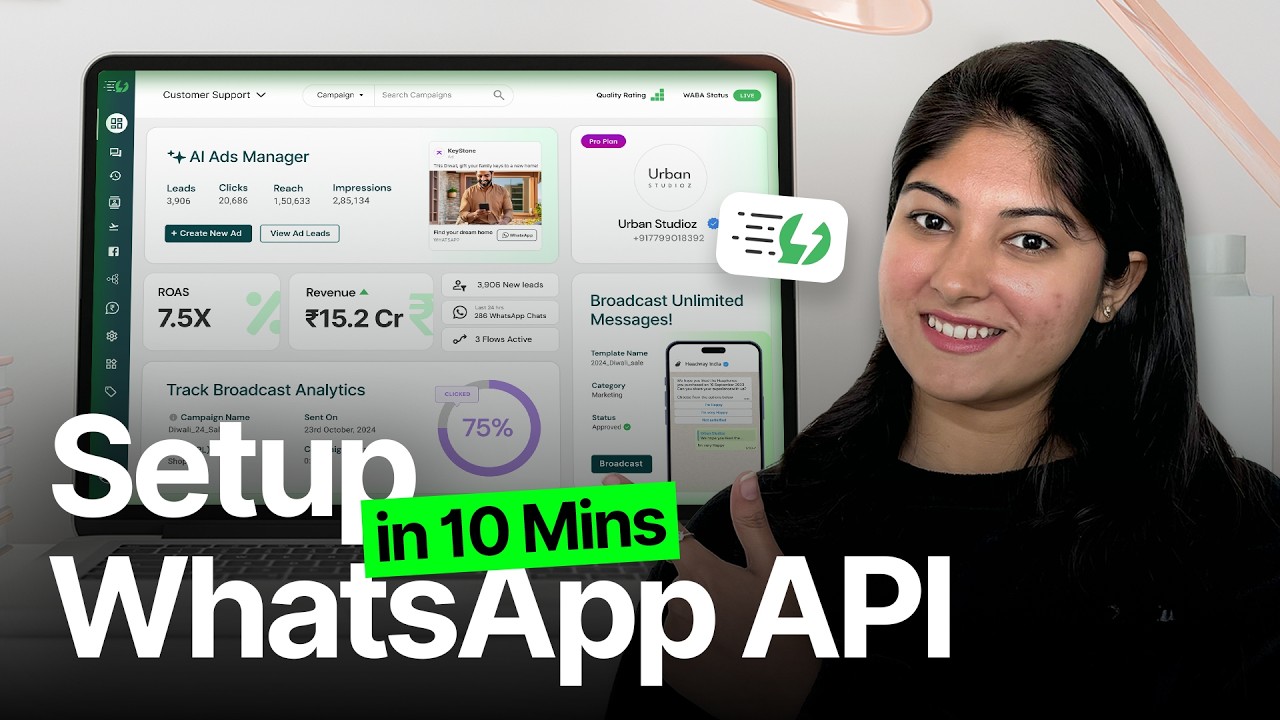
Watch our video tutorial or follow the step-by-step guide for a hassle-free WhatsApp Business API Application Process:
Steps to Apply for WhatsApp Business API
Follow the simple steps to apply for the WhatsApp Business API with Messegy:
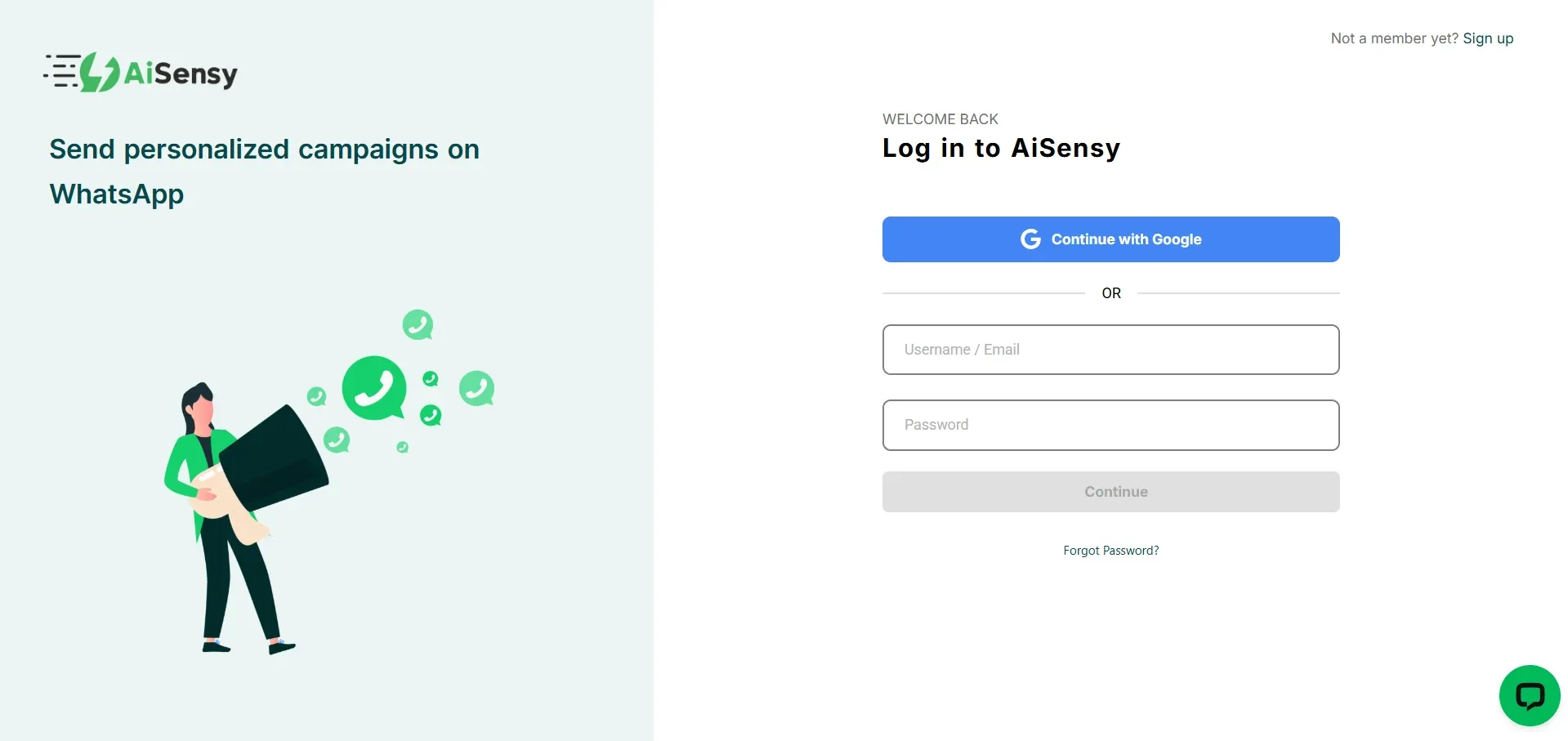
Signup on Messegy app
Go to the Messegy Signup Page. Sign up using your Google account or fill out the form with your business email.
Sign Up
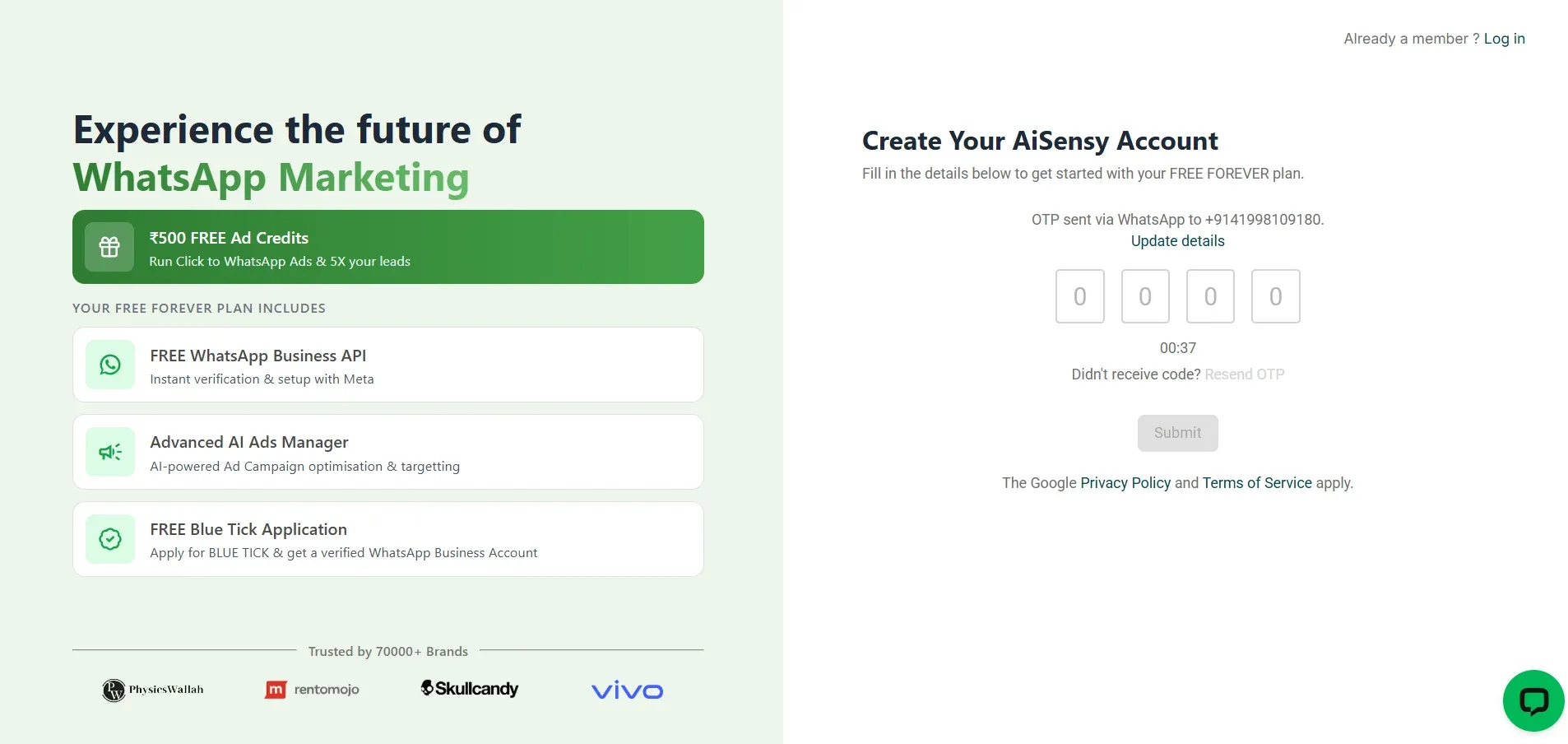
Enter OTP (for Form Signup Only)
If you signed up via the form, enter the OTP sent to your registered mobile number. Click ‘Submit’ to proceed.
Add Personal & Company Details
Provide essential business details, including:- Company Name- Industry- Business Size- Billing Currency- TimezoneClick ‘Complete Sign Up’ to move forward.
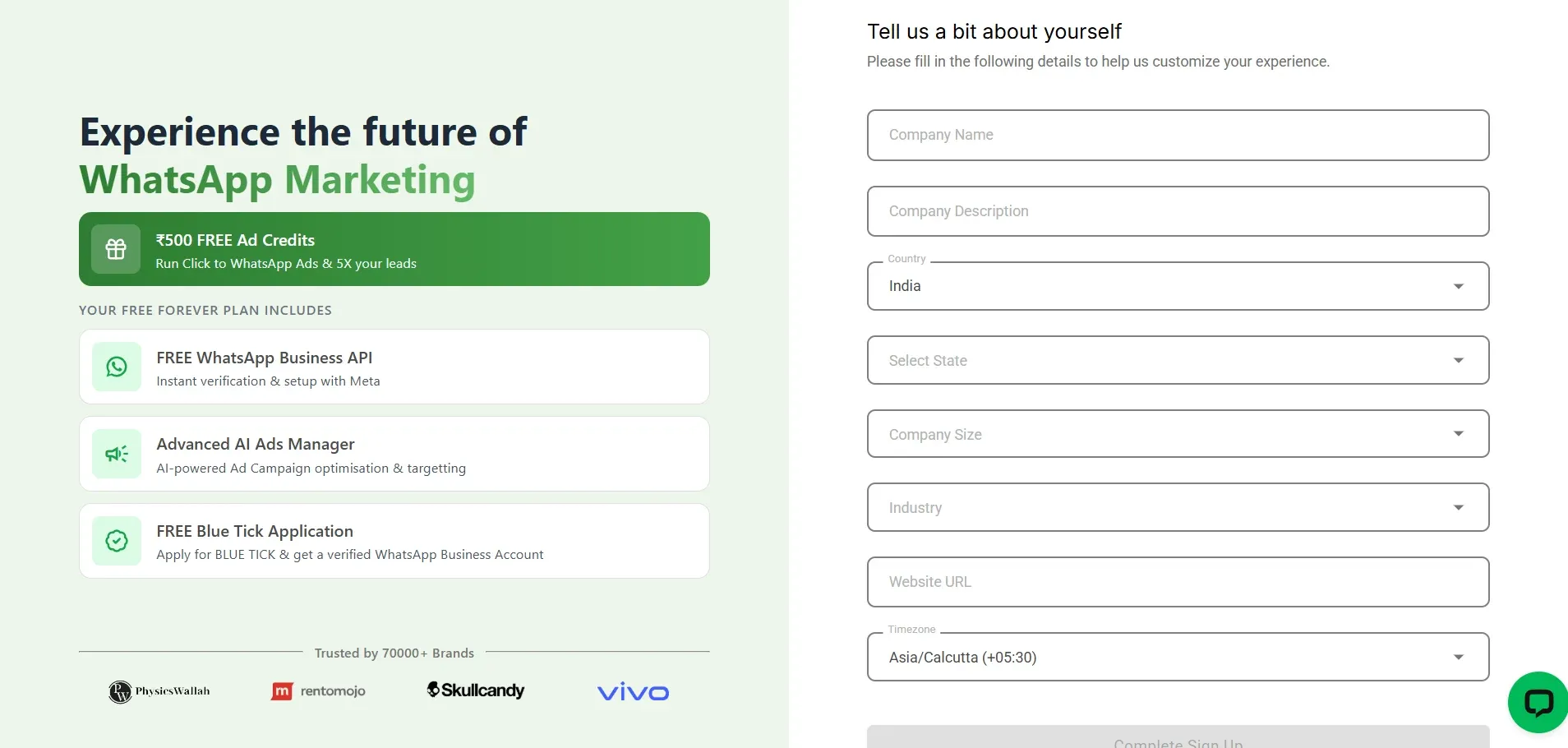
You've now created a FREE Messegy Account.
The Messegy Forever FREE Plan is a unique offering that allows businesses to:- Access the WhatsApp Business API at no cost.- Apply for Free Verified Blue tick Application- Get ₹500 Free WhatsApp Ad credits- Free Click to WhatsApp Ads Manager to run ads that click to WhatsApp- ₹50 Free WhatsApp Conversation Credits- Unlimited free service conversations - Live chat dashboard for managing customer interactions (1 agent)- And more! Check full guide on:
Messegy FREE Forever Plan
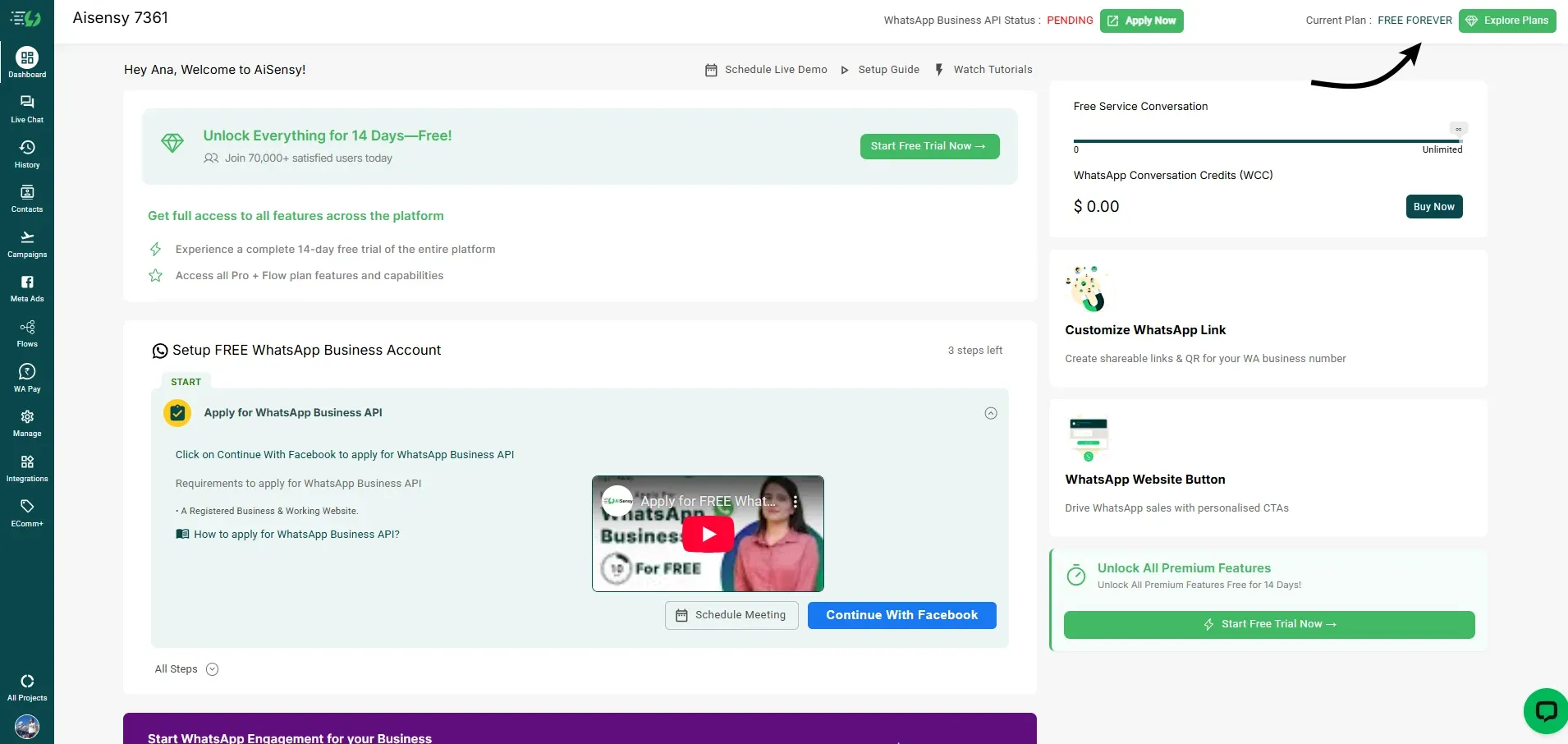
Click 'Continue with Facebook' to apply for FREE WhatsApp Business API
Click on the “Continue with Facebook” button to start the application process of WhatsApp Business API procurement.Make sure you have admin access of the Facebook Business Manager account to continue with the application.*Note - Make sure to get your Facebook Business Manager Account verified to get complete access to WhatsApp Business API. You can get it verified simultaneously while applying for WhatsApp Business API or even after procuring the WhatsApp Business API.
How to verify Facebook Business Manager Account
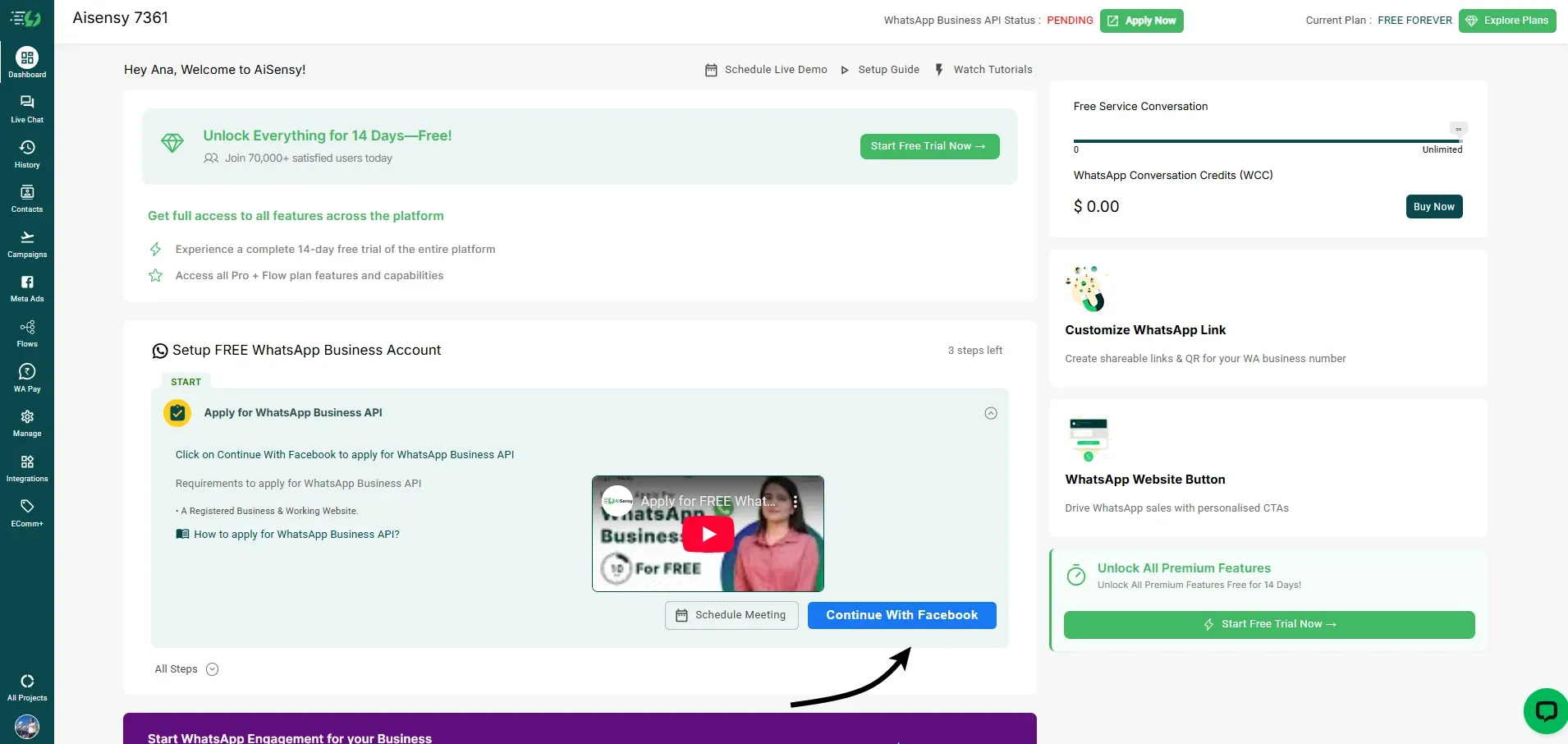
Click 'Continue'
Clicking the button will redirect you to the Meta window where you can apply for WhatsApp Business API.Click on the 'Continue' button to start filling out the WhatsApp Business API procurement application.
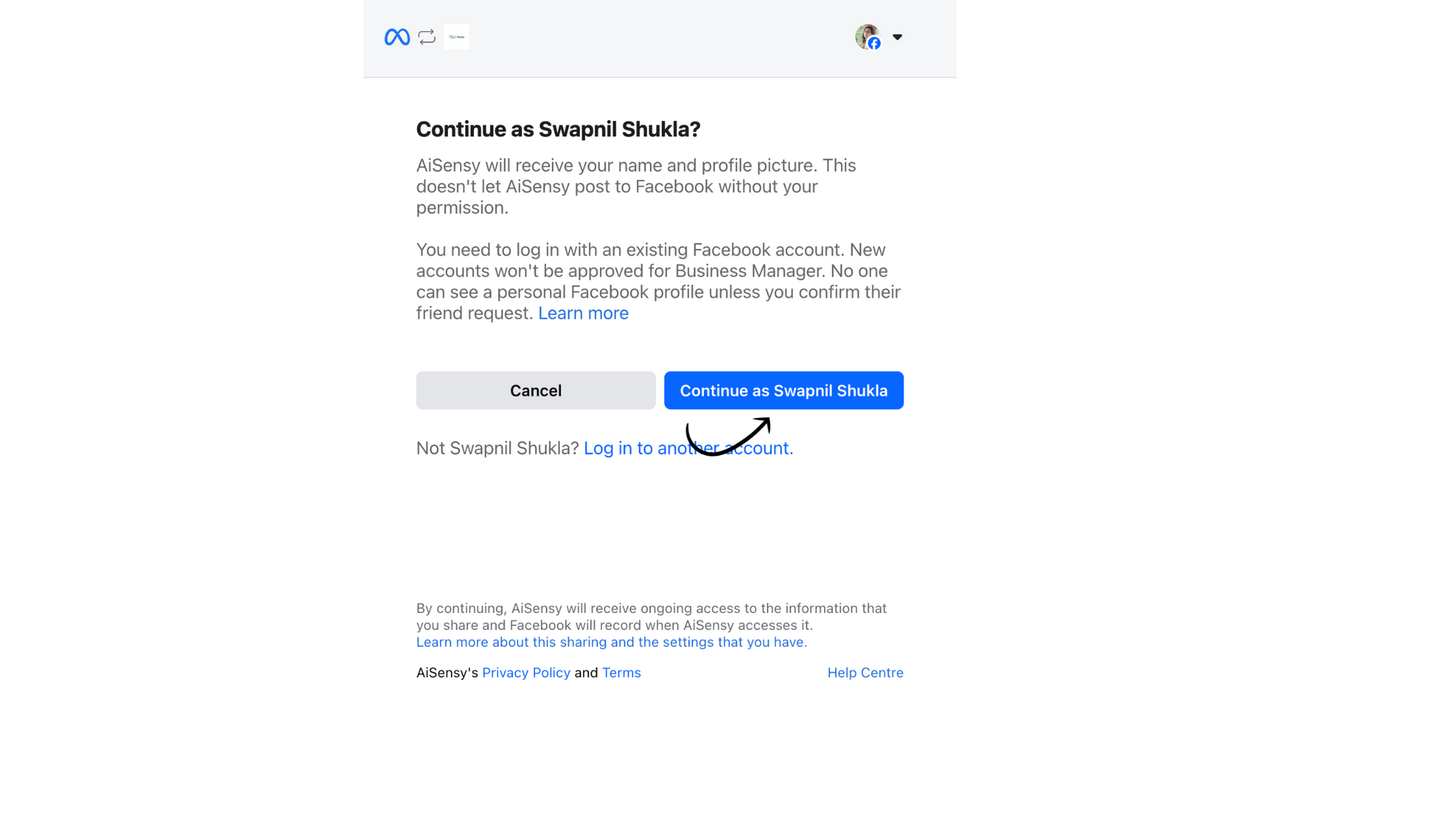
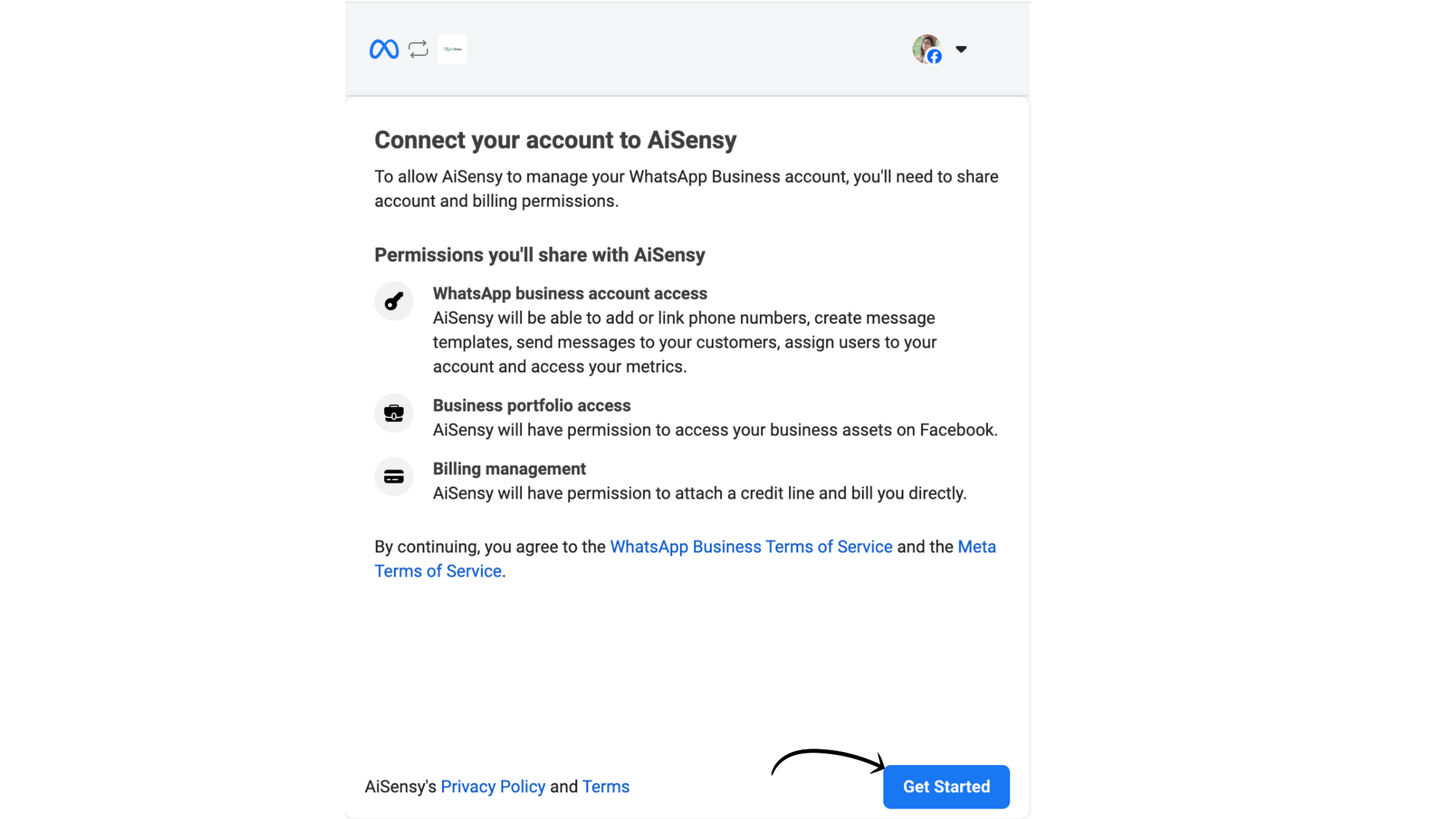
Tap Get Started
On the next screen, read the permissions shared & click 'Get Started' to connect your Facebook account with Messegy.
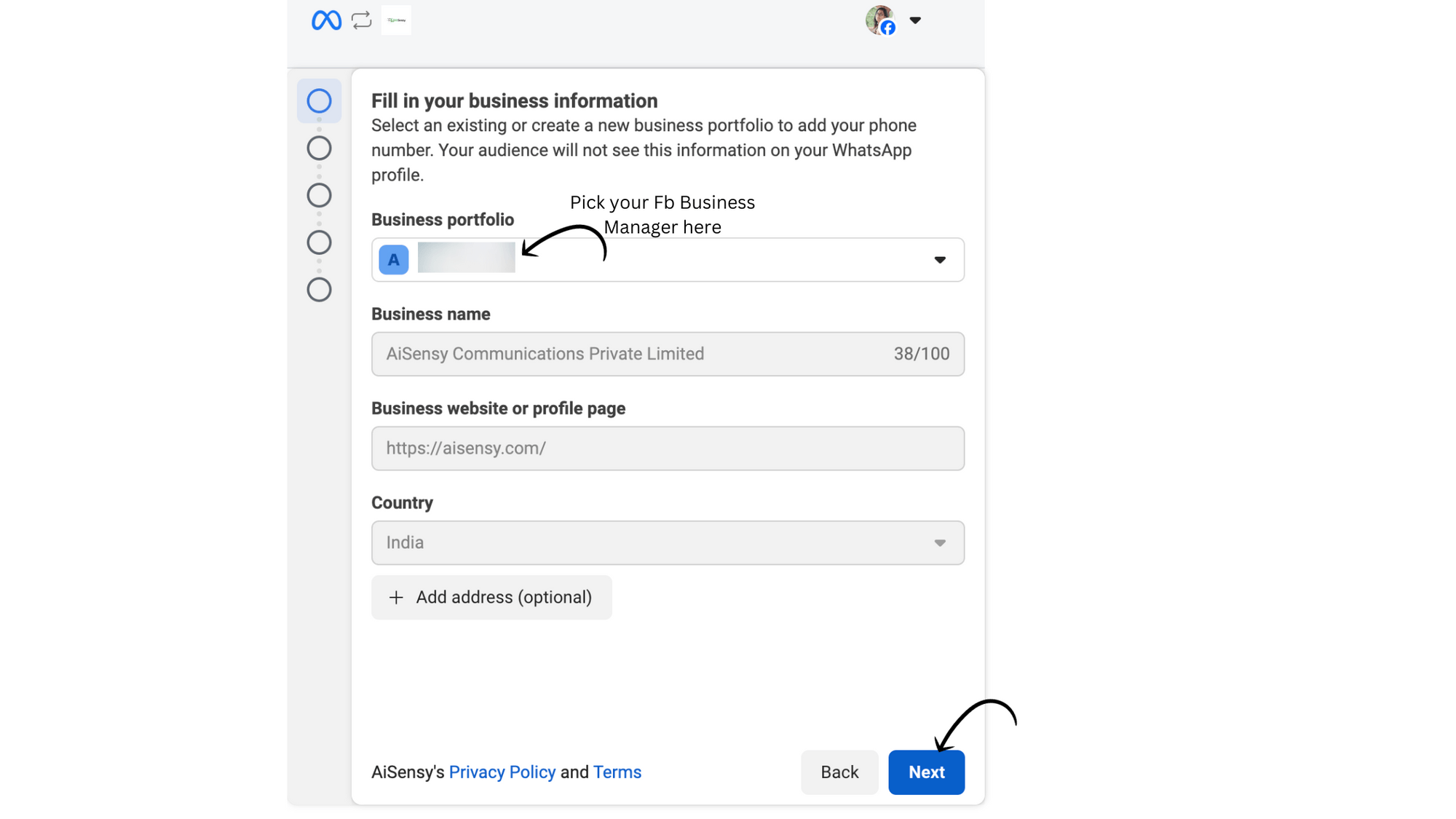
Select your Facebook Business Manager Account
Next, select your Facebook Business Manager Account which you wish to be associated with your WhatsApp Business API Account.After selecting the one, click 'Continue'.
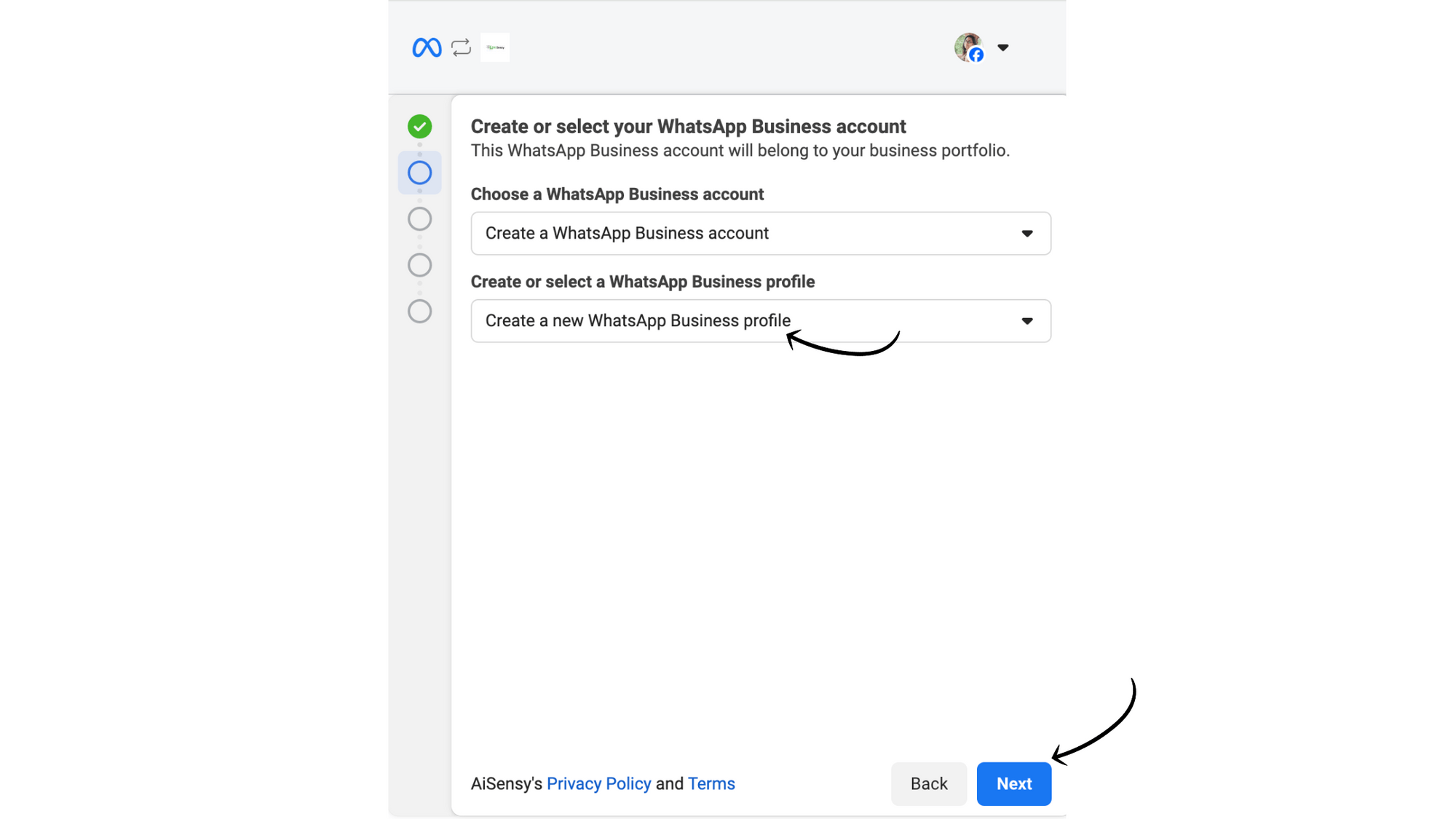
Create a new WhatsApp Business Profile
Select 'Create a new WhatsApp Business Profile' and hit 'Next'.
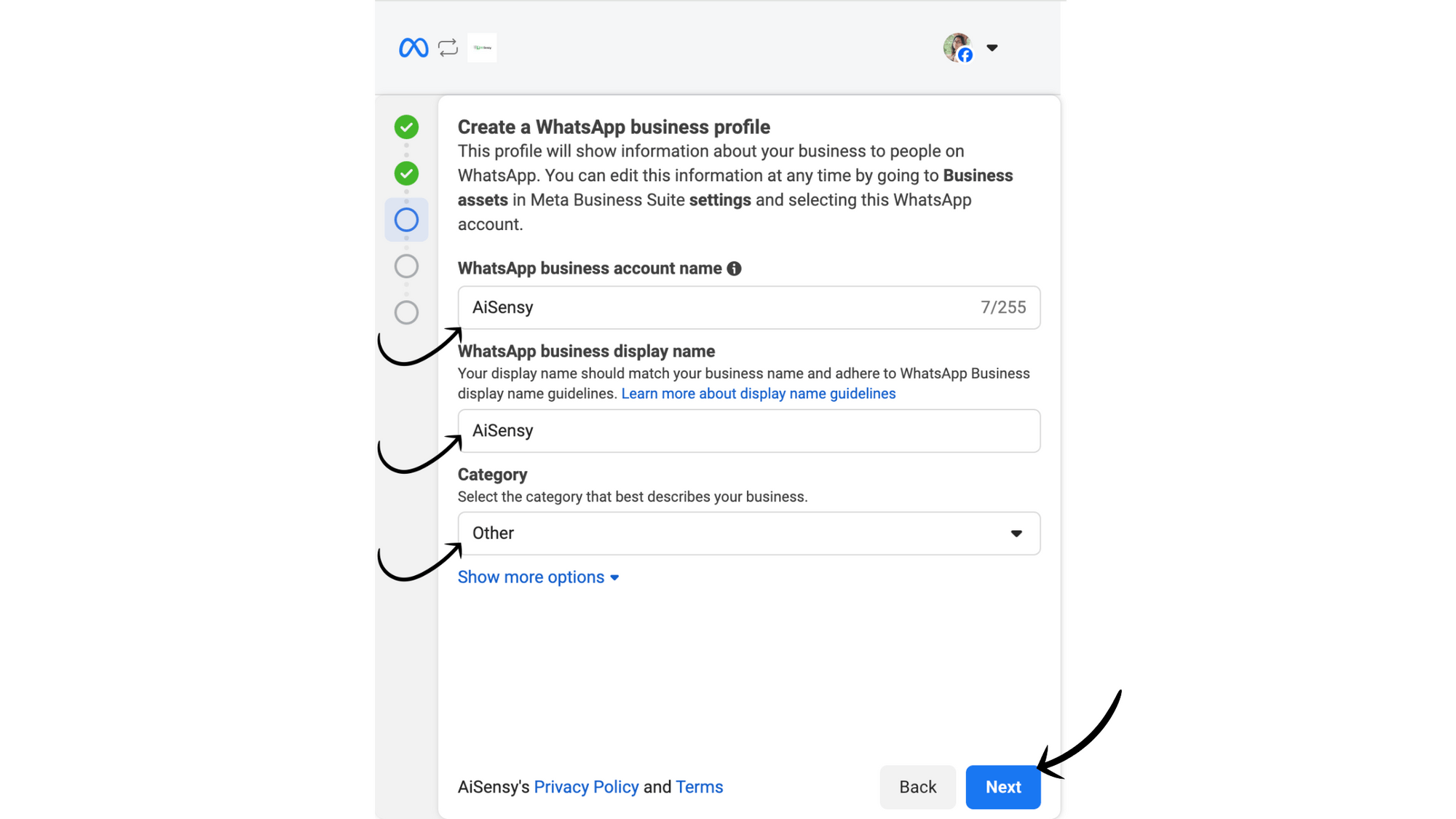
Add your Business address details
Here, fill in details such as:WhatsApp Business account name: Now, pick a WhatsApp business account name. This name can be anything related to your business. *Note - This is not the Display Name you need for your WhatsApp Business API that will be visible to the end users. This is just the name of your WhatsApp Business Account created inside the FB Business Manager.WhatsApp Business Display name: Select a unique WhatsApp Business display name that will show across your WhatsApp business profile. Select the Business category: Here, select the industry most relevant for your business.
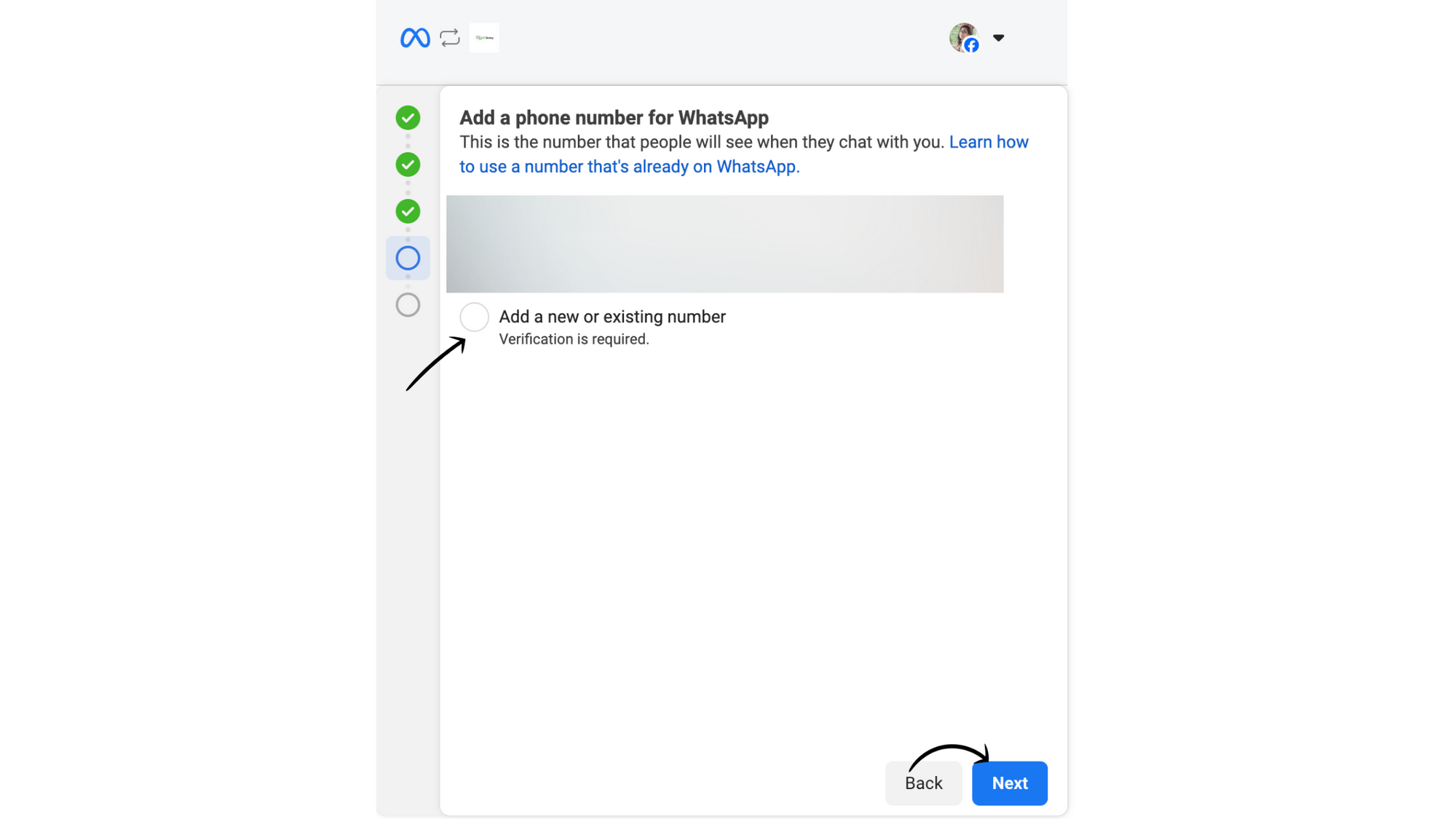
Add a new or existing WhatsApp Business API number
Next, select "Add a new or existing number" and enter the Phone Number on you need to get the WhatsApp Business API. Make sure the number is connected and able to receive code via SMS or Voice for verification.After adding your number, press 'Send Code'.
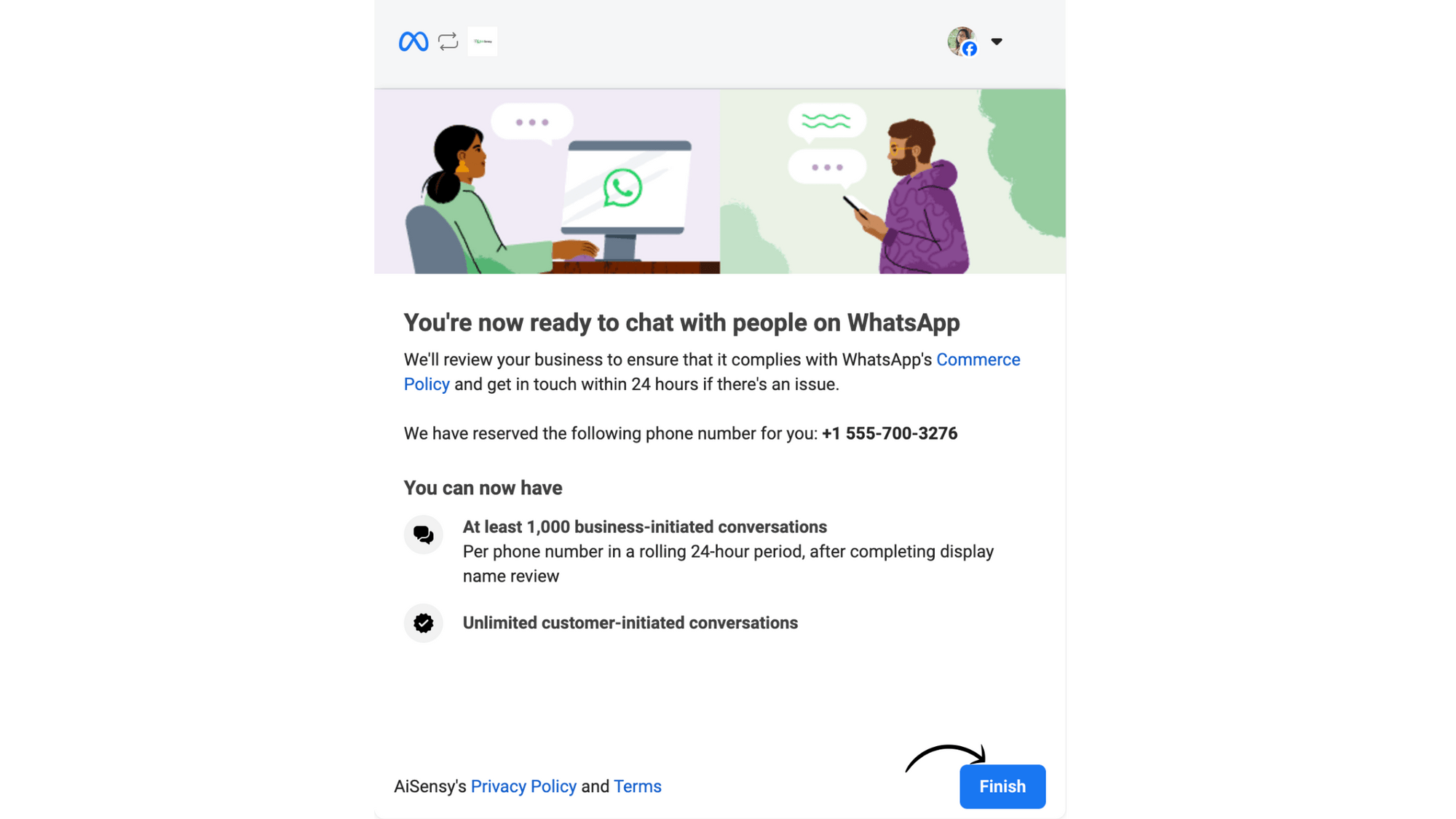
Your WhatsApp Business API Application is now under review
Congratulations! 🎉🎉If you see the above screen, you've successfully applied for WhatsApp Business API.You're one step closer to growing your business with Messegy.The majority of reviews are completed instantly (with 10 minutes) - only the Display Name can take max. 3-4 hours to get approved.The change will show in the Messegy Platform where the status of WhatsApp Business API will now show LIVE.Well, that's the complete process you need to follow to apply for WhatsApp Business API.
Why Apply for WhatsApp Business APi with Messegy?
Apply for WhatsApp Business API with Messegy and transform your business communication.

Official WhatsApp Partner
Trusted and reliable.
Learn more
Free WhatsApp Business API
No hidden costs or setup fees.
Learn more
Unmatched Support
Get assistance at every step of the process.
FAQ
Frequently Asked Questions about WhatsApp Business API Setup
Q. Are there restrictions on which companies can apply for WhatsApp Business API?
Yes, there are some companies that are restricted to procure the WhatsApp Business API. These are essentially those companies that deal in illegal products & services, unsafe supplements, alcohol etc. Refer to the WhatsApp Legal Commerce Policy for details.
Q. How long does it take to get WhatsApp Business API approval?
If you already have a Facebook Business Manager Account verified, your application should be quick and easy. Messegy helps you get WhatsApp Business API approved within 10 minutes - for FREE!
Q. Can I use an existing WhatsApp number for the API?
Yes, but you must delete the existing WhatsApp account associated with the number.
Q. What are the costs of using WhatsApp Business API?
You can get the WhatsApp Business API for Free with Messegy but you still need to pay the platform fees & the cost of the messages that can vary based on usage. Messages are charged per session (every 24-hours) in the WhatsApp Conversation-based pricing model.
Q. Why choose Messegy for WhatsApp Business API?
Messegy is an official WhatsApp Business Partner, offering:- Free WhatsApp Business API Verification- A comprehensive WhatsApp Engagement Suite- Global support.Check out: Getting Started with Messegy Platform
Start Using WhatsApp Business API Today!
Create a FREE Messegy account. No Credit Card required.⚡️Powered by Official WhatsApp Business API
Book a DemoStart for FREE