The first step to get started with your WhatsApp Engagement Journey via Messegy is by creating a FREE Messegy Account.
Follow the below steps to easily create an Messegy Account:
Learn How
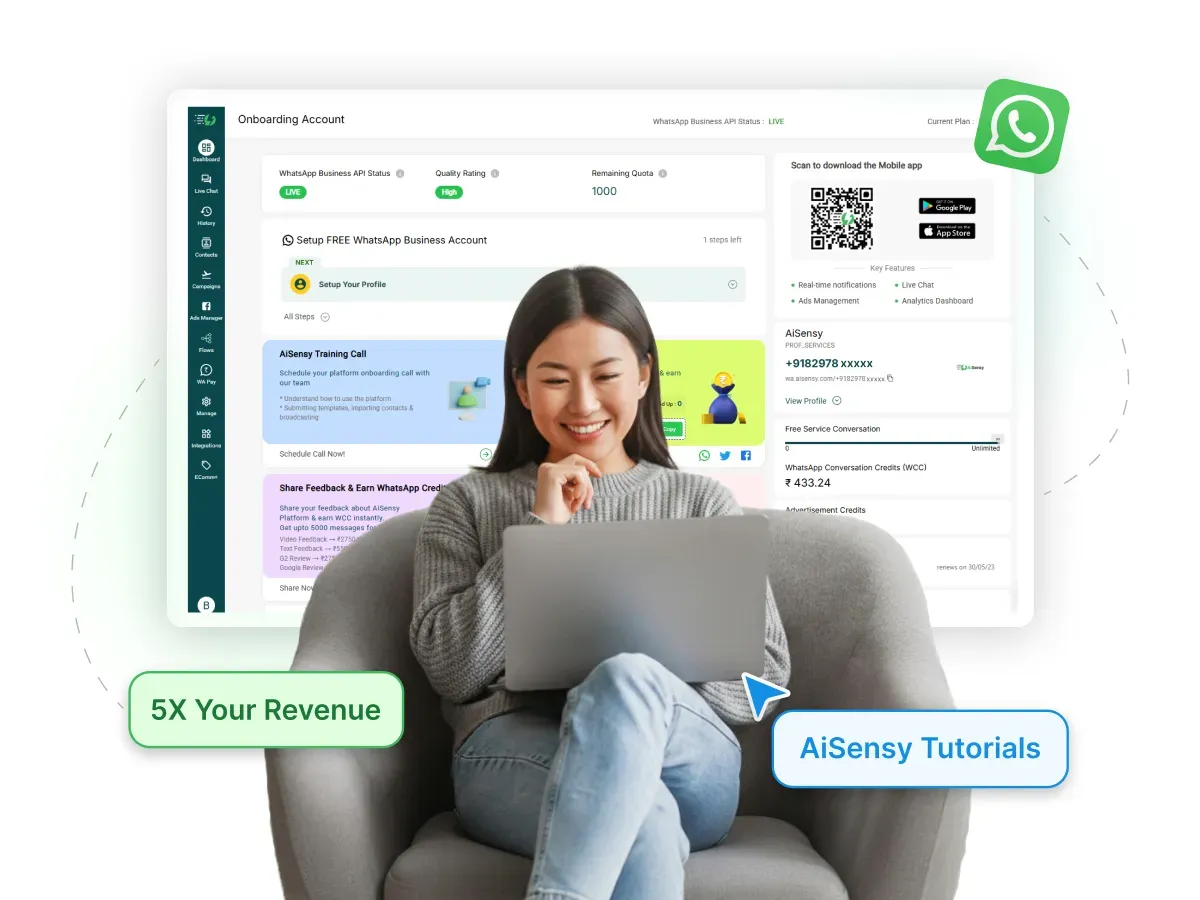
How to create a FREE Messegy Account?
Steps to easily create an Messegy Account for your Business
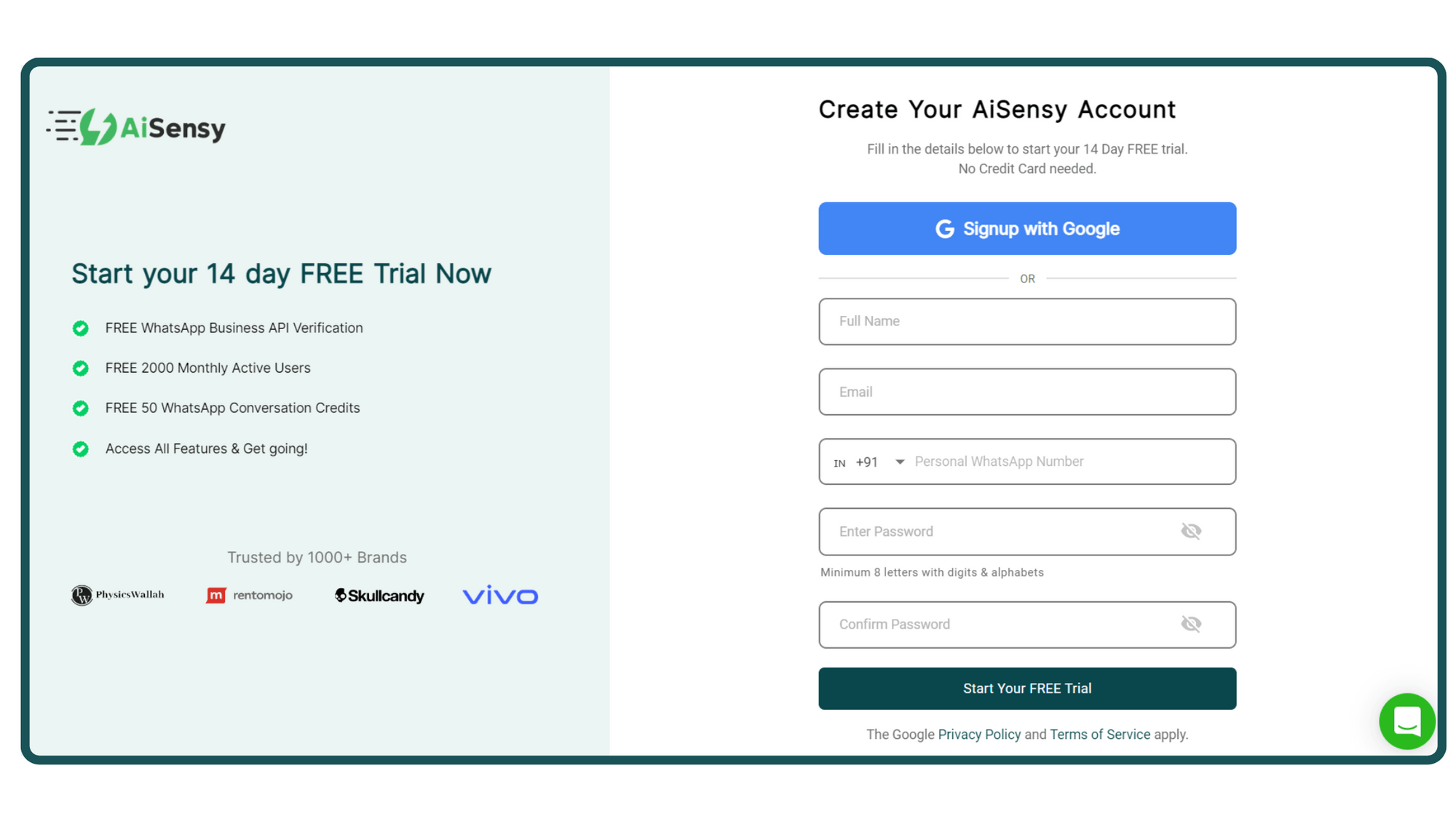
1. Signup on Messegy App
You can signup with your Google account or if you use a different business email, fill in the form.
Messegy Signup Page
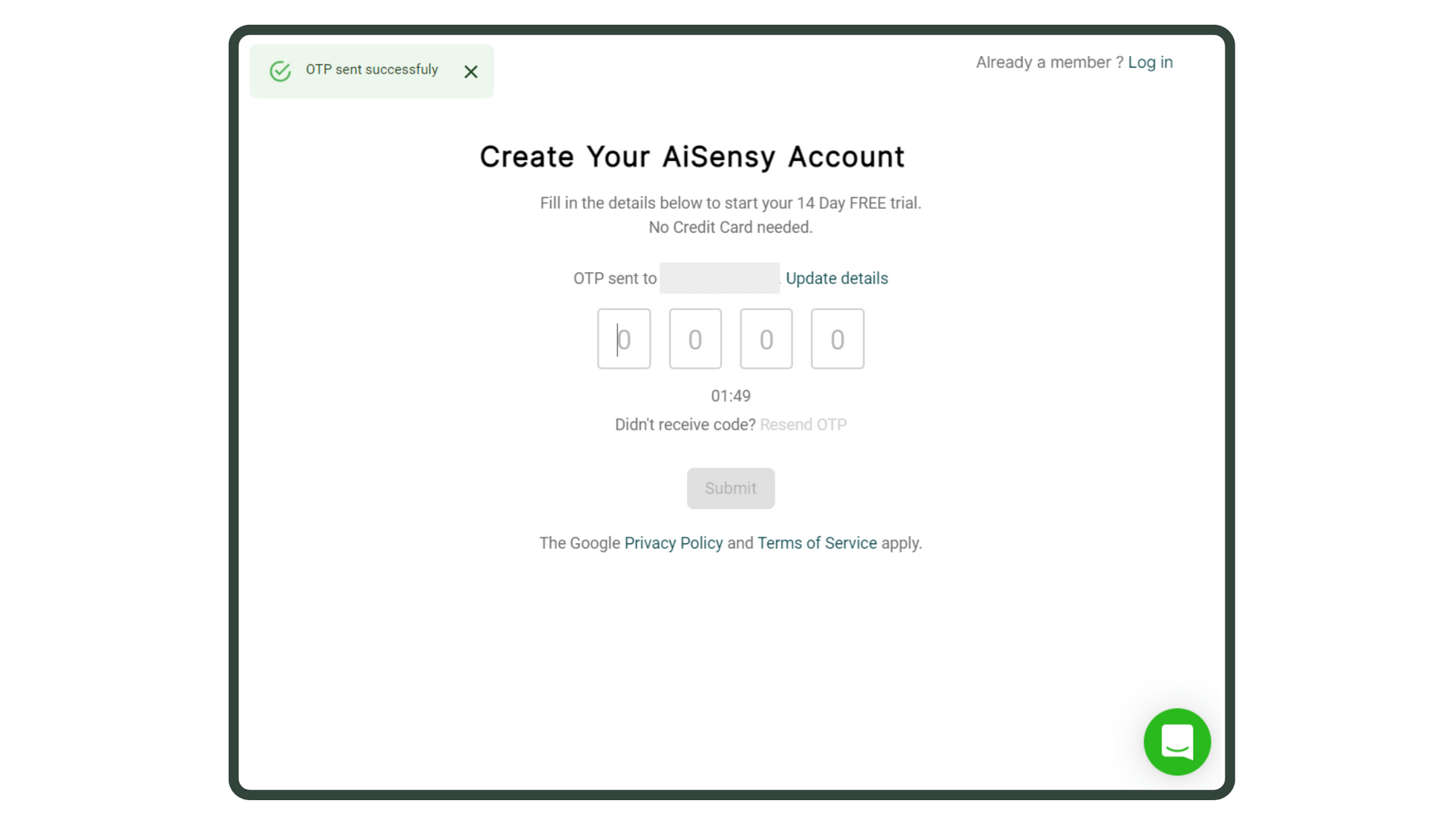
2. Enter OTP (for Form signup only)
If you signed up by filling out the form, you'll receive an OTP on your registered mobile number.
Enter it & press 'Submit' to proceed.
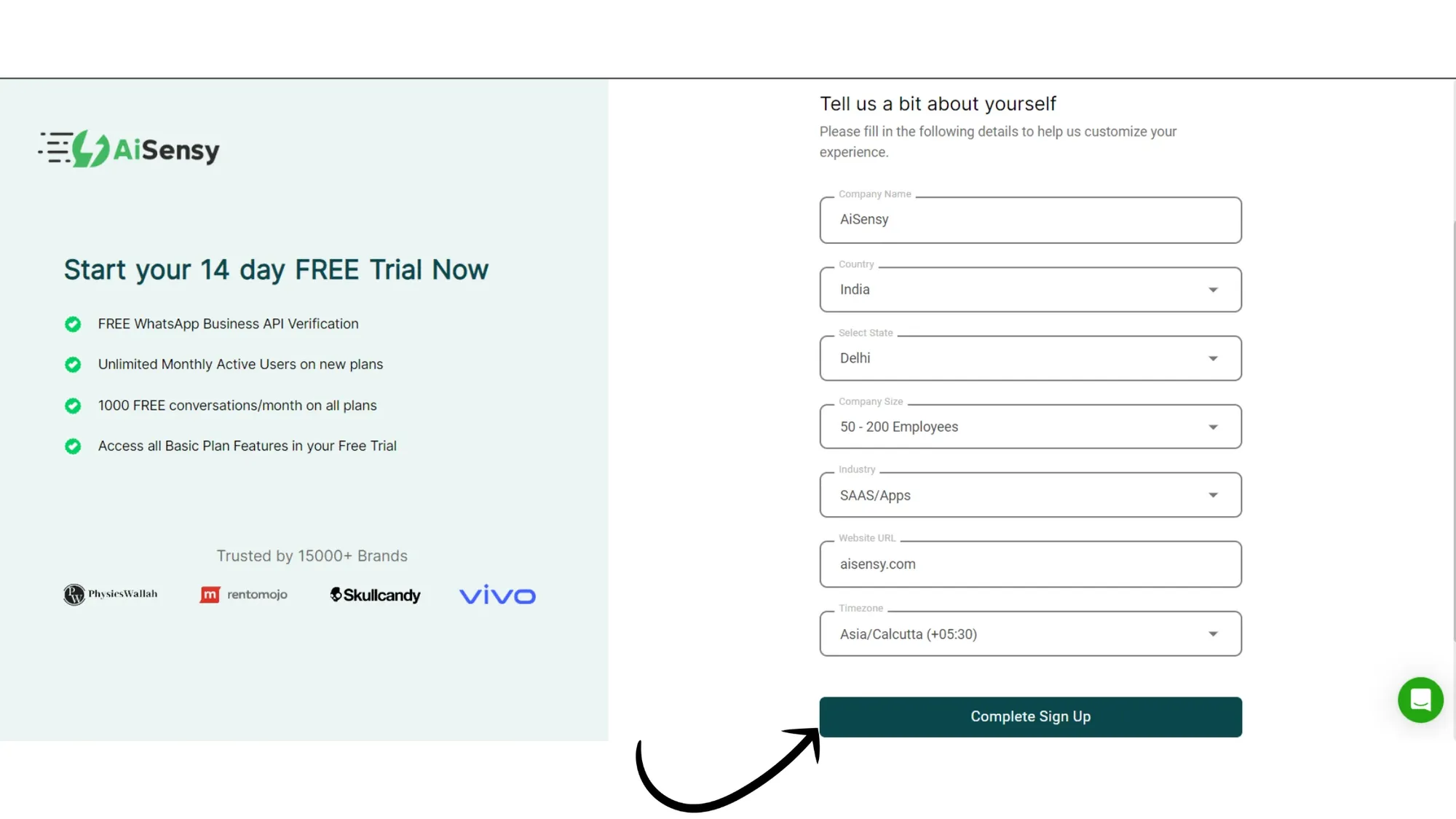
3. Add Personal & Company Details
-
Enter important Business details like Company Name, size, industry, billing currency & timezone so that we can customise your experience.
-
Once done, click on the “Complete Sign Up” button to proceed ahead.
4. You've now activated the 14-Day FREE Trial
You've now entered your FREE forever plan, which includes:
-
Access the WhatsApp Business API at no cost.
-
Apply for Free Verified Blue tick Application
-
Get ₹500 Free WhatsApp Ad credits
-
Free Click to WhatsApp Ads Manager to run ads that click to WhatsApp
-
₹50 Free WhatsApp Conversation Credits
-
Upload Contacts and Manage via tags and attributes (up to 10 tags and 5 custom attributes).
-
Create Template messages seamlessly
-
Unlimited free service conversations (e.g., live chat replies to user messages).
-
Live chat dashboard for managing customer interactions (1 agent)
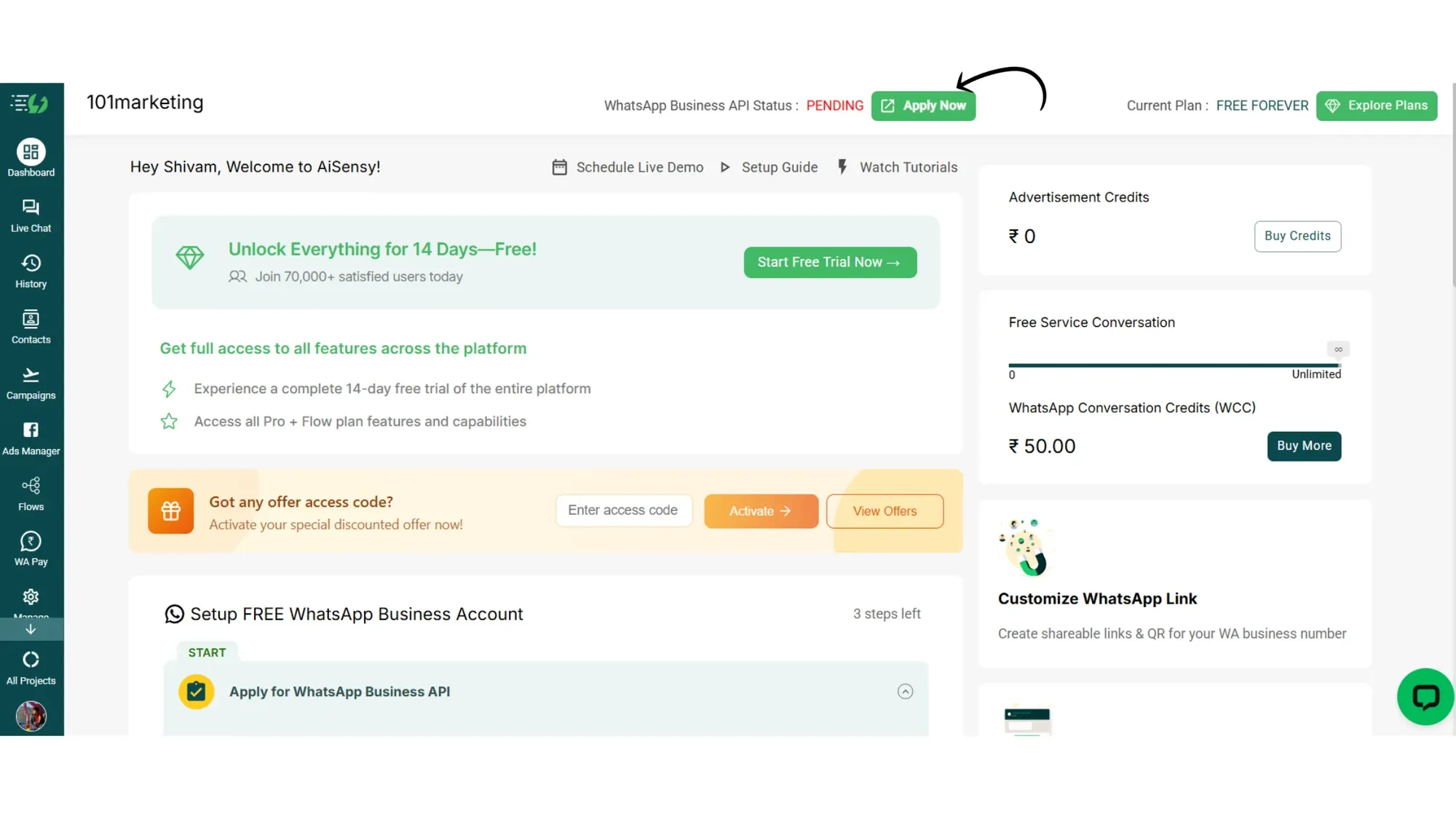
What's next?
The first thing you should do after signing up for the FREE forever plan is apply for the FREE WhatsApp Business API.
Applying for the WhatsApp Business API is important to unlock:
-
Broadcasting
-
Retargeting
-
Automated API campaigns
-
Chatbot Flows
-
Catalogs
-
WhatsApp Payments
-
& many more features
Note: All these features are not included in the FREE plan. After procuring the WhatsApp API, start your 14-day free trial to experience every feature included in the Pro + Chatbot flow plan.
Steps to apply for WhatsApp Business API